Ever wanted your own private VPN setup with a bunch of dedicated IP addresses for better privacy, geo-unblocking, secure remote access, or even a small proxy service for clients? It sounds fancy, but it’s totally doable—and surprisingly affordable—thanks to LogicWeb’s VPS hosting and their bulk IPv4 leasing. In this case we’ll show you how to create your own VPN proxies with a VPS.
LogicWeb has been a go-to hosting provider since 2004 (they even power big names like NordVPN and Private Internet Access behind the scenes). Their NVMe-powered VPS start at just $5/month, come with instant setup, DDoS protection, and 6 global locations. Pair that with affordable IPv4 bundles (like a /24 with 256 clean IPs for ~$150/month), and you have everything you need for a professional-grade VPN proxy infrastructure. No long contracts, same-day LOA for routing, and real human support 24/7.
In this friendly, step-by-step tutorial, I’ll show you three completely free/open-source methods on Linux (Ubuntu recommended) on how to create your own VPN proxies. Each one uses only FOSS tools, works great with LogicWeb’s setup, and includes easy mobile apps for your end-users on iOS and Android. Let’s build something awesome together—you’ve got this!
1 Top Performing VPS Hosting with NVMe and DDoS Protection
LogicWeb VPS plans page – pick your starting point (e.g., 2-core/2GB for testing)
Quick Start: Get Your LogicWeb VPS + IPv4 Bundle Ready
- Head to LogicWeb VPS Hosting and grab a plan (Ubuntu 22.04 or 24.04 LTS is perfect).
- Add bulk IPv4 in the order form or via ticket (e.g., /24 = 256 IPs for $150/mo, /23 ~$250/mo, /22 = $400/mo). Bundle it with your VPS for seamless routing.
- Once live (<2 minutes!), SSH in as root: ssh root@your-vps-main-ip
- Update everything: apt update && apt upgrade -y
- Install basic firewall: apt install ufw -y && ufw allow 22 && ufw –force enable
LogicWeb’s support routes extra subnets to your VPS main IP. Bind them with:
text
sudo ip addr add YOUR_EXTRA_IP/32 dev eth0 # repeat for eachAdd to /etc/netplan/01-netcfg.yaml under addresses for persistence, then netplan apply.
Now you’re ready for the fun part!
Method 1: WireGuard – Blazing Fast & Super Simple (My Personal Favorite)
WireGuard is lightweight, modern, and crazy fast—perfect for high-speed VPN proxies.
Steps on your Ubuntu VPS (10-minute setup):
- Install: apt install wireguard curl -y
- Run the popular one-click script (highly recommended, used by many on LogicWeb):text
curl -O https://git.io/wireguard-install.sh chmod +x wireguard-install.sh sudo ./wireguard-install.shChoose server mode, eth0 interface, default port 51820. It auto-sets up everything and shows QR codes! - For multiple IPv4s (IP rotation!): Bind extra IPs as above. Clients connect to different endpoints (e.g., change Endpoint = new-ip:51820 in their config). Same server, different public IPs for exit traffic.
- Enable auto-start: systemctl enable wg-quick@wg0
- Add more clients anytime by re-running the script.
End-user apps (dead simple):
- iOS/macOS: Official WireGuard app – scan QR code.
- Android: Official WireGuard app – same QR magic.
Users just scan, toggle “Connected,” and their traffic routes through your clean LogicWeb IP. Kill-switch available for extra security.
Method 2: OpenVPN – Rock-Solid Compatibility & Features
OpenVPN is the veteran—widely supported, highly configurable, and great if your users need maximum compatibility.
Steps (adapted from LogicWeb’s own guides):
- apt install openvpn easy-rsa -y
- Set up Easy-RSA for certs (full details in their KB, but quick: make-cadir, build-ca, gen-req for server/client, sign, gen-dh, ta.key).
- Create /etc/openvpn/server.conf with your settings (port 1194 UDP, TUN, AES-256-GCM, push DNS, redirect-gateway).
- Bind to specific leased IPs: Add local YOUR_LEASED_IP in the config (or run multiple @server instances for true per-IP proxies).
- Enable forwarding: sysctl -w net.ipv4.ip_forward=1 (make permanent in sysctl.conf).
- Start: systemctl start openvpn@server && systemctl enable openvpn@server
Generate .ovpn files for clients (include certs inline for ease).
End-user apps:
- iOS: OpenVPN Connect
- Android: OpenVPN Connect
Import the .ovpn file, connect, and go. Works everywhere.
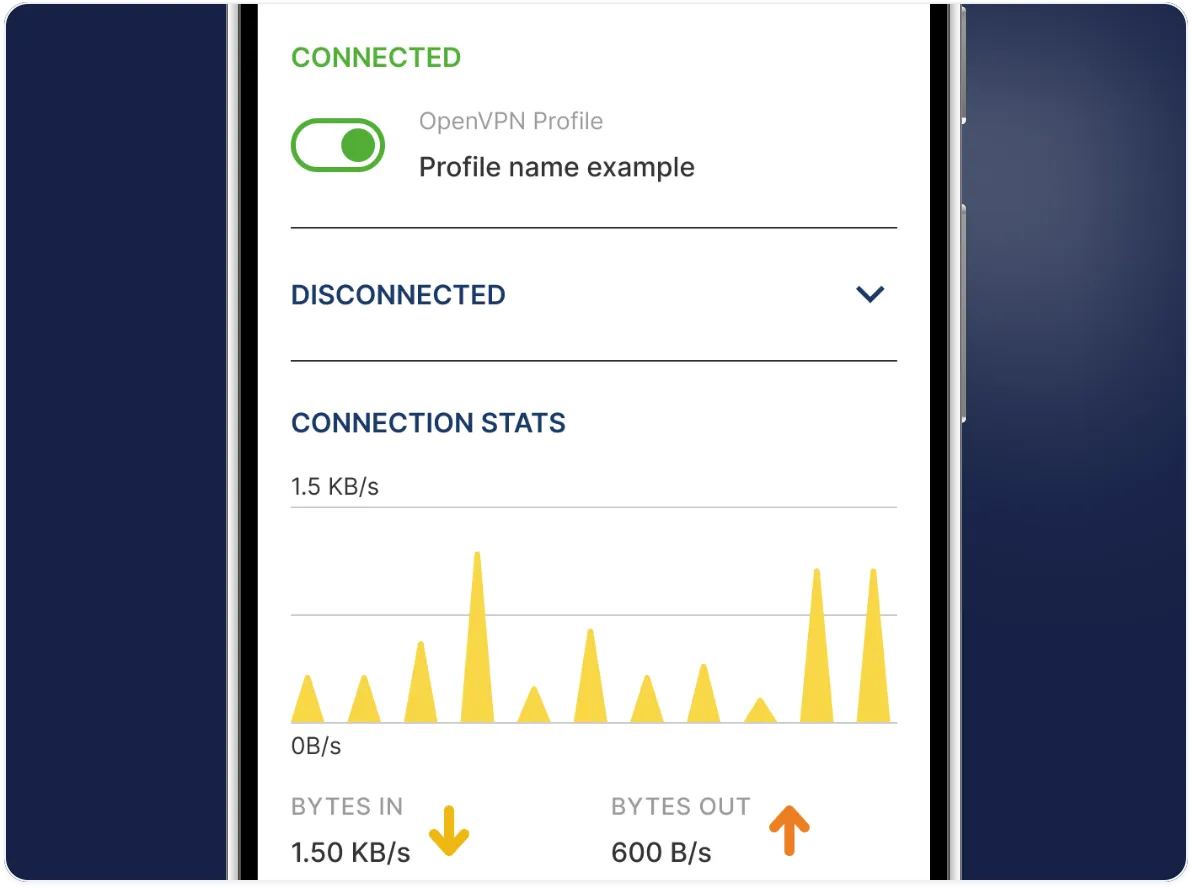
OpenVPN Connect – VPN For Your Operating System | OpenVPN
Method 3: Outline (Shadowsocks-based) – Easiest Management for Proxy-Style VPN
Outline is Google’s open-source project—basically a managed Shadowsocks server. It feels like a VPN but is lightweight and perfect for “proxy” use cases (bypassing restrictions, shared access keys).
One-command setup:
text
bash -c "$(wget -qO- https://raw.githubusercontent.com/Jigsaw-Code/outline-server/master/src/server_manager/install_scripts/install_server.sh)"It installs Docker + the server and gives you a management URL + access keys (ss:// links).
For multiple IPv4s: Deploy multiple Outline instances (one per IP) or use Docker networking/port forwarding to bind to different leased IPs. Add unlimited access keys via the web manager.
End-user apps (beautiful and simple):
- iOS & Android: Official Outline Client – paste the access key and connect. Available on App Store & Play Store. Also supports Windows/macOS/Linux.
No extra config hassle—perfect for non-tech users.
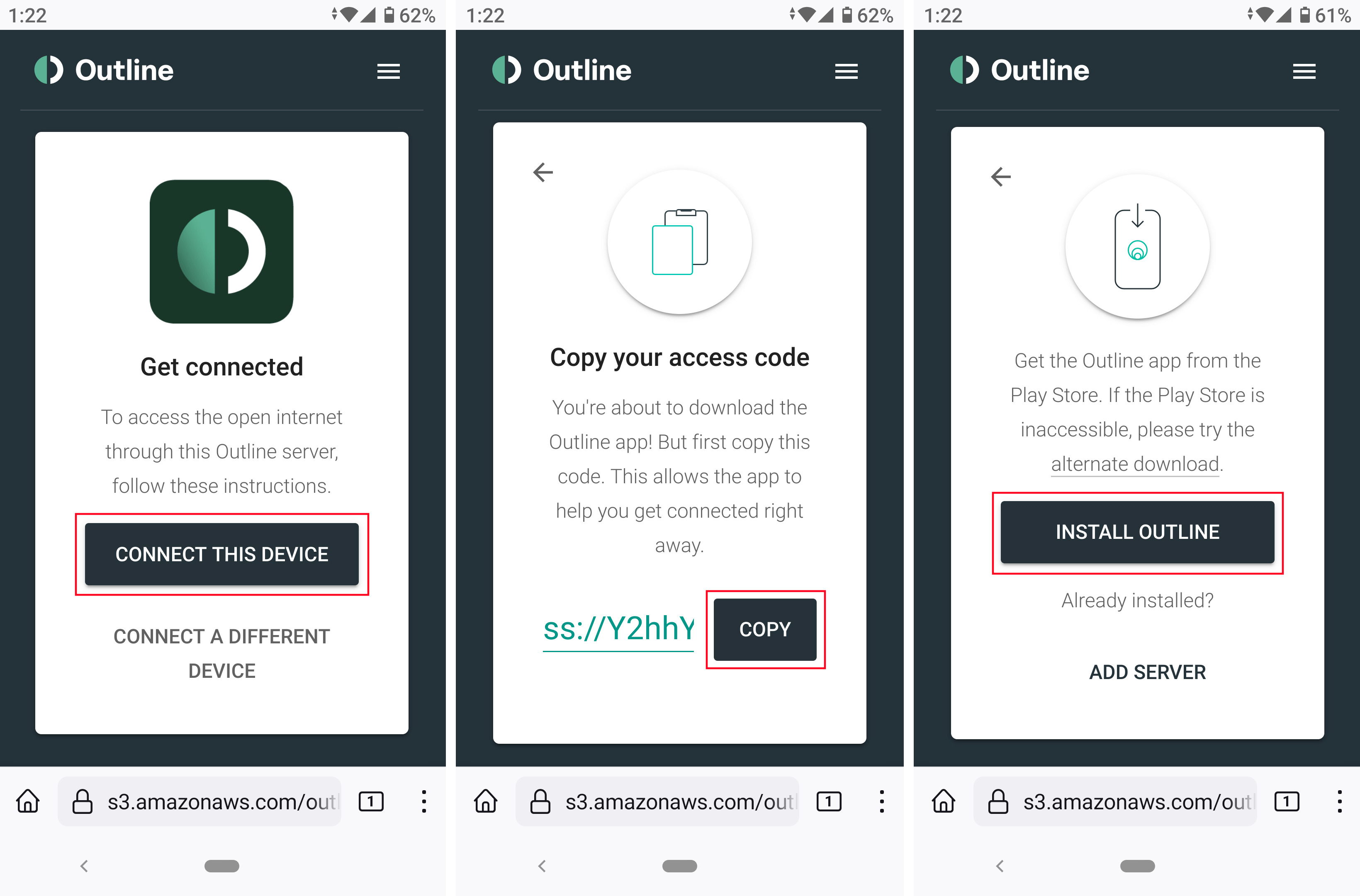
Outline VPN self installation – Documentation & FAQ
Outline Client on mobile – paste key and connect in seconds
Struggling with WireGuard tunnel from VPS w/ Multiple IPs to local pfSense router for Self Hosted VMs for Public Access? : r/PFSENSE
Example architecture: VPS with multiple public IPs routing client traffic securely
Pro Tips for Scaling, Security & Success
- IP rotation/diversity: With a /24 bundle, you can give each user or group a dedicated exit IP. Use policy routing (ip rule + ip route) for advanced per-client exits.
- Security musts: apt install fail2ban -y, keep UFW tight (allow only your VPN ports), regular updates, and consider no-logs scripts.
- Monitoring: htop, vnstat for bandwidth, LogicWeb’s free Virtualizor panel for easy reboots/backups.
- Scaling up: Spin multiple VPS across locations, use a load-balancer VPS in front. Unmetered bandwidth upgrades start cheap.
- Cost example: Basic 4-core VPS ($15/mo) + /24 IPv4 ($150/mo) = serve dozens of users profitably.
- Legal note: Comply with laws and LogicWeb’s fair-use (no spam/abuse). Provide transparent no-logs policies to your users.
Ready to Launch Your Own VPN Proxies?
That’s it! In under an hour you can have a fully functional, multi-IP VPN proxy running on rock-solid LogicWeb infrastructure. Whether you pick WireGuard for speed, OpenVPN for versatility, or Outline for ease, you’ll love having full control.
Go grab your VPS at logicweb.com/vps-hosting and IPv4s at bulk-ip-address-leasing. Their team is amazingly helpful if you hit any snag.
Which method are you trying first? Drop a comment or share your setup—I’d love to hear how it goes. Stay safe, stay private, and happy tunneling! 🚀