Building an AI-powered Raspberry Pi device is an exciting DIY project that combines hardware tinkering, software development, and machine learning. Whether you’re creating a smart home assistant, an object detection system, or a voice-activated robot, the Raspberry Pi offers an affordable, versatile platform for edge AI applications. This guide covers everything from hardware selection to model deployment, with examples, comparisons, pros and cons, and visual aids to help you get started. By the end, you’ll have the knowledge to create your own custom AI device while prioritizing privacy and offline functionality—key advantages over cloud-based alternatives like Alexa or Google Home.
Why Build an AI-Powered Raspberry Pi Device?
Raspberry Pi devices are single-board computers (SBCs) that excel in AI projects due to their low cost (starting around $35), GPIO pins for hardware integration, and support for popular AI frameworks like TensorFlow Lite and PyTorch. Unlike commercial AI gadgets, a custom build allows full control over data processing, reducing reliance on internet connections and enhancing privacy. Popular use cases include home automation, surveillance, and personal assistants. With advancements like the Raspberry Pi AI Kit, even resource-intensive tasks like real-time object detection become feasible on these compact boards.

Raspberry Pi AI Camera on sale now at $70 – Raspberry Pi
According to tutorials from sources like Raspberry Pi’s official documentation and community projects, beginners can complete a basic setup in a few hours, while advanced builds might take a weekend. The result? A powerful, customizable AI tool that runs locally, saving on cloud costs and latency.
Hardware Examples for AI-Powered Raspberry Pi Builds
Choosing the right hardware is crucial for performance. Raspberry Pi models vary in processing power, making some better suited for AI than others. Here’s a breakdown of top options, with comparisons.
Recommended Raspberry Pi Models
- Raspberry Pi 5 (Best for High-Performance AI): Features a 2.4GHz quad-core ARM Cortex-A76 CPU, up to 8GB RAM, and PCIe support for accelerators like the AI Kit. Ideal for running large models like LLMs or video processing. Price: $60–$80.
- Raspberry Pi 4 Model B: A solid mid-range choice with a 1.5GHz quad-core CPU and up to 8GB RAM. Handles lighter AI tasks like voice recognition but may struggle with real-time video AI without add-ons. Price: $35–$75.
- Raspberry Pi Zero 2 W: Compact and low-power (under 2W), with a 1GHz quad-core CPU and 512MB RAM. Best for simple, battery-powered AI like basic object detection. Price: $15.
For AI acceleration, add the Raspberry Pi AI Kit ($70), which includes a Hailo-8L NPU delivering 13 TOPS for tasks like object detection.

How to set up the Raspberry Pi AI Kit with Raspberry Pi 5 …
This kit mounts via PCIe on the Pi 5, boosting inference speeds dramatically.
Additional Hardware Components
- Cameras: Raspberry Pi Camera Module 3 ($25) for vision AI, or the AI Camera ($70) with built-in NPU for edge processing.
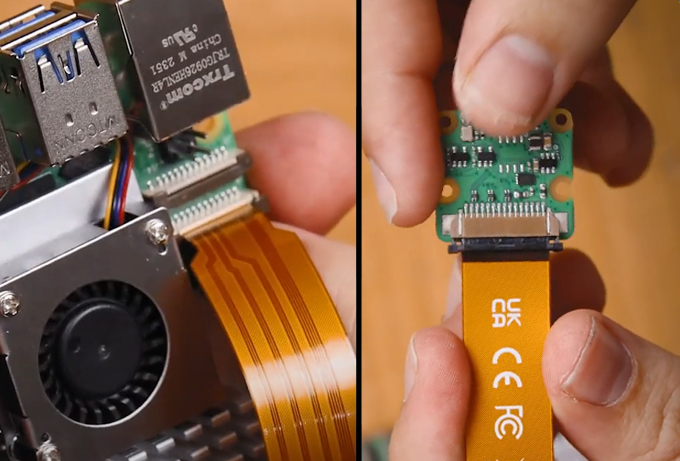
Raspberry Pi AI Camera Quick-Start Guide – Tutorial Australia
- Microphones and Speakers: USB microphone ($10) and speaker for voice assistants. For integrated setups, use HATs like the ReSpeaker 2-Mics Pi HAT ($15).
- Power and Enclosures: Official 27W power supply ($12) for Pi 5, and cases like the Active Cooler ($5) to prevent throttling during AI workloads.
- Sensors: Add GPIO-connected modules like DHT22 for temperature ($5) in smart home projects.
Hardware Comparisons
Here’s a table comparing key models for AI suitability:
| Model | CPU/GPU Power | RAM Options | AI Performance | Price | Best For |
|---|---|---|---|---|---|
| Raspberry Pi 5 | High (2.4GHz, VideoCore VII) | 4–8GB | Excellent with AI Kit (13–40 TOPS) | $60+ | Complex AI like LLMs, video detection |
| Raspberry Pi 4 | Medium (1.5GHz) | 2–8GB | Good for lite models; add TPU for boost | $35+ | Voice assistants, basic object detection |
| Raspberry Pi Zero 2 W | Low (1GHz) | 512MB | Basic; suitable for edge inference | $15 | Portable, low-power AI sensors |
Pros of Pi 5: Superior speed for multi-task AI; cons: Higher power draw (up to 12W). Pi 4 pros: Balanced cost-performance; cons: Slower without accelerators. Zero pros: Ultra-compact; cons: Limited RAM for heavy models.
AI Model Examples for Raspberry Pi
Raspberry Pi supports lightweight AI models optimized for edge devices. Use frameworks like TensorFlow Lite or PyTorch Mobile for efficient inference.
Object Detection Models
- YOLOv8n: From Ultralytics, this model detects objects in real-time. Train on custom datasets for projects like security cameras. Runs at 20–30 FPS on Pi 5 with AI Kit.

The Ultimate Guide: Raspberry Pi AI Camera Object Detection …
- TensorFlow Lite SSD MobileNet: Pre-trained for 90+ object classes. Example: Detect people or vehicles in video feeds.

Object Identification & Animal Recognition With Raspberry Pi + OpenCV + Python
Voice Recognition and LLM Models
- Whisper (OpenAI): For speech-to-text. Combine with Ollama for local LLMs like Llama 2 (2B parameters) on Pi 5.

How to Build a Local AI Voice Assistant with a Raspberry Pi …
- Ollama with Gemma:2B: Runs offline chatbots or assistants. Pros: Privacy-focused; cons: Slower on lower-end Pis (5–10 tokens/sec).
- Piper TTS: Text-to-speech for responses, integrated in voice projects.
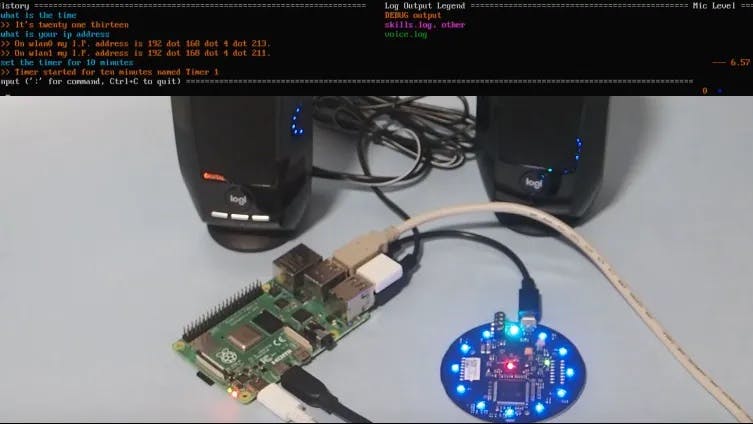
Creating a DIY Voice Assistant with Mycroft AI and a Raspberry Pi …
For multilingual support, models like ERNIE 0.3B work well on Pi 5.
Step-by-Step Guide to Building Your Device
Follow this guide for a basic voice assistant or object detector. Adjust for your project.
Step 1: Set Up Hardware
- Assemble your Pi: Connect power, keyboard, monitor, and peripherals.
- For AI Kit: Mount on Pi 5’s PCIe slot. Use spacers for stability.
- Add camera/microphone: Connect via CSI/USB ports.
Step 2: Install OS and Software
- Download Raspberry Pi OS (64-bit) from the official site and flash to microSD using Imager.
- Boot and update: sudo apt update && sudo apt upgrade.
- Install AI libraries: pip install tensorflow-lite opencv-python-headless for vision; pip install ollama for LLMs.
- For Hailo NPU: Follow official setup scripts.
Step 3: Deploy AI Models
- Object Detection: Download YOLOv8n, run with OpenCV:Python
import cv2 from ultralytics import YOLO model = YOLO('yolov8n.pt') cap = cv2.VideoCapture(0) while True: ret, frame = cap.read() results = model(frame) # Process results - Voice Assistant: Use Whisper for input, Ollama for processing, Piper for output. Example script from tutorials.
Step 4: Test and Customize
- Run demos: rpicam-hello –post-process-file hailo_yolov8.json for AI Kit.
- Train custom models: Use Google Colab for datasets, export to TFLite.
Watch this tutorial for visual setup: Raspberry Pi5 AI Kit COMPLETE Setup Guide.
Project Ideas and Examples
- Smart Home Assistant: Control lights/sensors via voice. Use Home Assistant software on Pi 4/5.
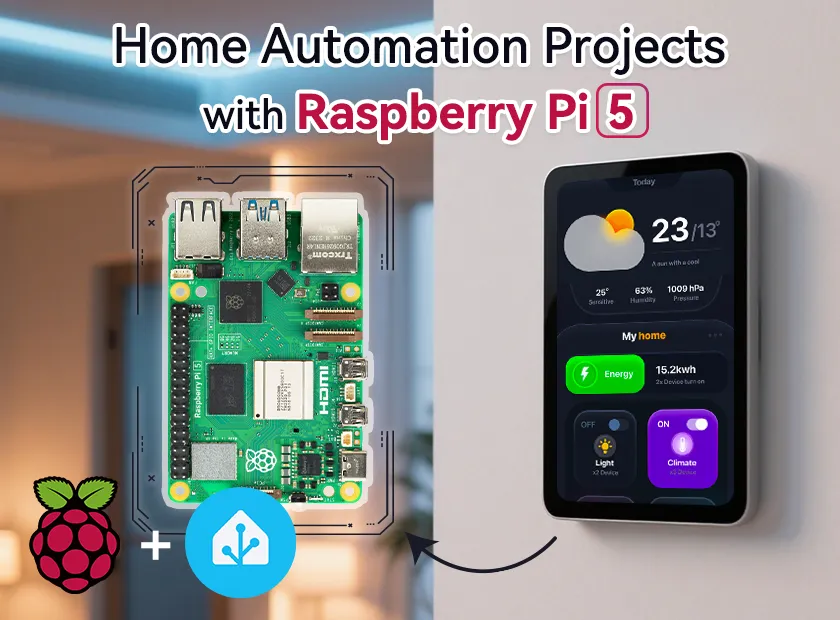
Home Automation Projects with Raspberry Pi 5
- Object Detection Camera: Build a wildlife monitor with Pi Zero and camera.
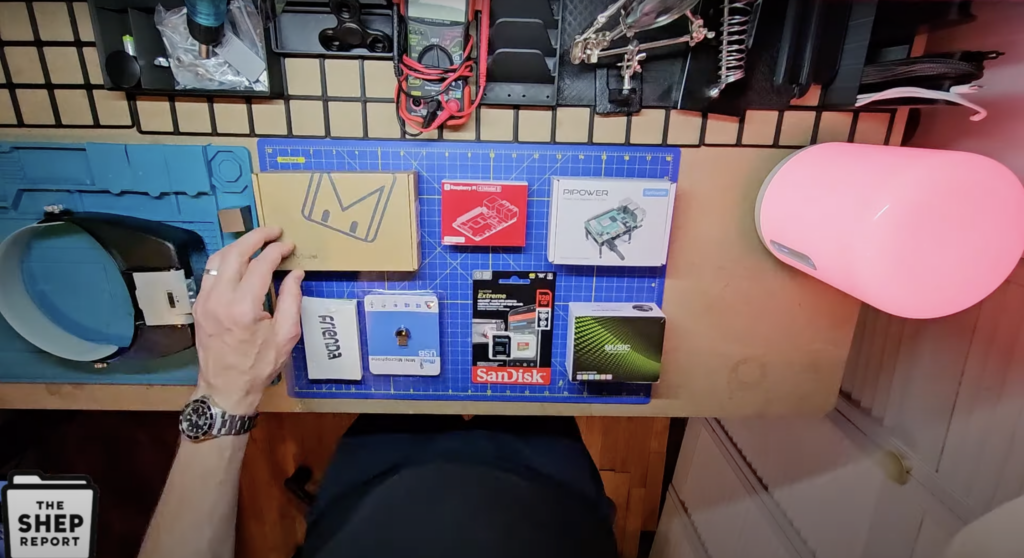
Make a homemade AI home assistant – Raspberry Pi
- Voice-Activated Robot: Integrate with motors for a mobile AI pet.
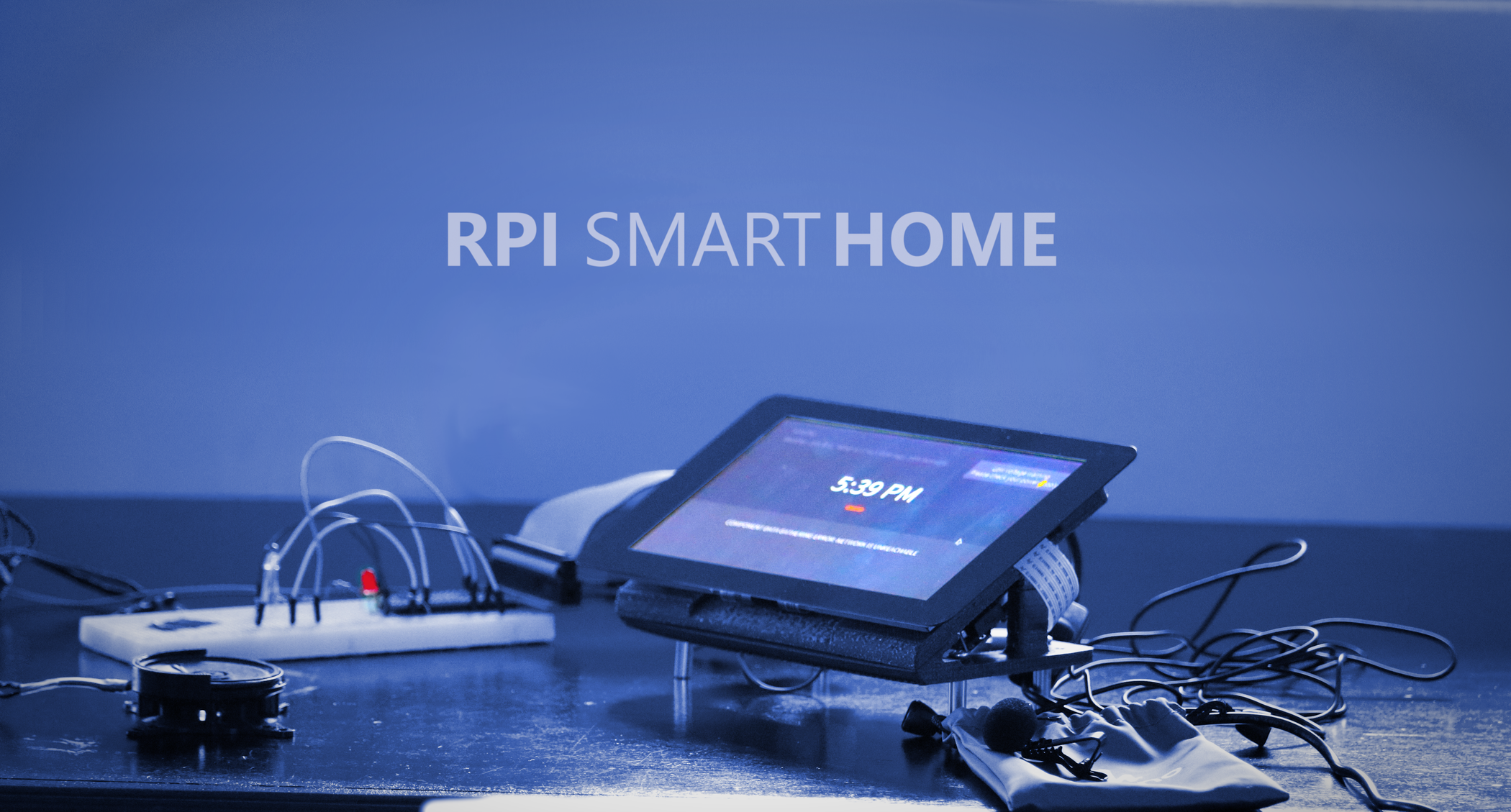
Turn Your Raspberry Pi Into a Fully Customizable Smart Home! : 16 …
See community builds on X for inspiration.
Video example: Offline AI on Raspberry Pi 5.
Pros and Cons of AI-Powered Raspberry Pi Devices
Pros:
- Affordable: Total build under $100 vs. $200+ for commercial devices.
- Customizable: Tailor models and hardware to needs.
- Privacy: Local processing keeps data secure.
- Educational: Great for learning AI/ML.
- Versatile: Scalable from simple sensors to complex vision AI.
Cons:
- Performance Limits: Slower than high-end GPUs without accelerators.
- Power Consumption: Pi 5 draws more energy for intensive tasks.
- Setup Complexity: Requires coding knowledge; beginners may need tutorials.
- Heat Management: Add cooling for prolonged use.
- Limited RAM: Heavy models like large LLMs require optimization.
Compared to alternatives like Jetson Nano (better for CUDA but pricier), Raspberry Pi wins on community support and cost.
Conclusion
Building an AI-powered Raspberry Pi device empowers you to create innovative, privacy-focused tech. Start with a Pi 5 and AI Kit for best results, experiment with models like YOLO or Ollama, and expand into projects like smart homes. With abundant tutorials and community resources, the possibilities are endless. For more, check Raspberry Pi AI HAT+ 2 Setup. Dive in and build your AI future today!