Welcome to the world of COSMIC, a fresh take on what a Linux desktop can be. If you’re tired of the same old interfaces and craving something that’s fast, customizable, and built for today’s hardware, COSMIC might just be your next upgrade. Developed by System76, the folks behind Pop!_OS, this desktop environment has been making waves since its stable release in 2024. By early 2026, it’s matured into a polished option that’s available across multiple distros, with ongoing updates like version 1.0.4 bringing better performance and features.
In this article, we’ll dive into what COSMIC is, its standout features, a visual walkthrough, and simple steps to install it. Whether you’re a Linux newbie or a seasoned user, COSMIC aims to make your desktop experience intuitive and powerful.
What is COSMIC Linux Desktop?
COSMIC is a free and open-source desktop environment designed from the ground up for Linux and Unix-like systems. It started as a customized version of GNOME for Pop!_OS but evolved into a fully independent project in Rust, a language known for its speed and security. As a Wayland-native DE, it eliminates common vulnerabilities like keylogging and supports modern graphics features out of the box.
Unlike traditional desktops like GNOME or KDE, COSMIC emphasizes modularity—you can mix and match components to build your ideal setup. It’s the default environment in Pop!_OS 24.04 LTS, released in late 2025, but it’s also installable on other distros like Ubuntu, Fedora, and Arch. System76 positions it as a productivity powerhouse, with a focus on accessibility, customization, and user choice.
COSMIC
Key Features of COSMIC Linux Desktop
COSMIC packs a punch with features that blend simplicity and advanced functionality. Here’s a breakdown:
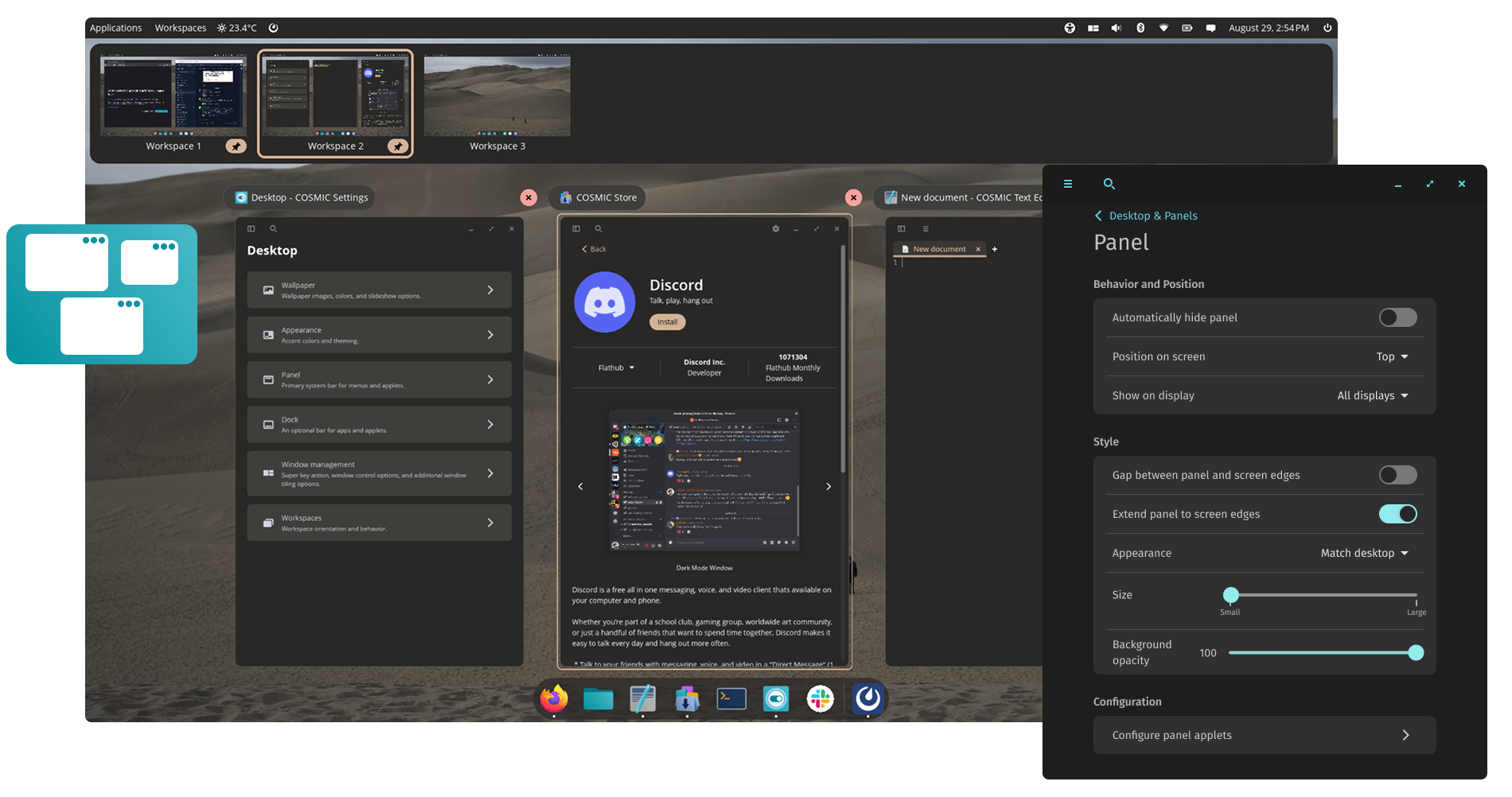
- Hybrid Window Management: Switch between floating windows (like traditional desktops) and auto-tiling for efficient multitasking. Stack windows easily for organized workflows, and navigate with keyboard shortcuts like Super + arrows.
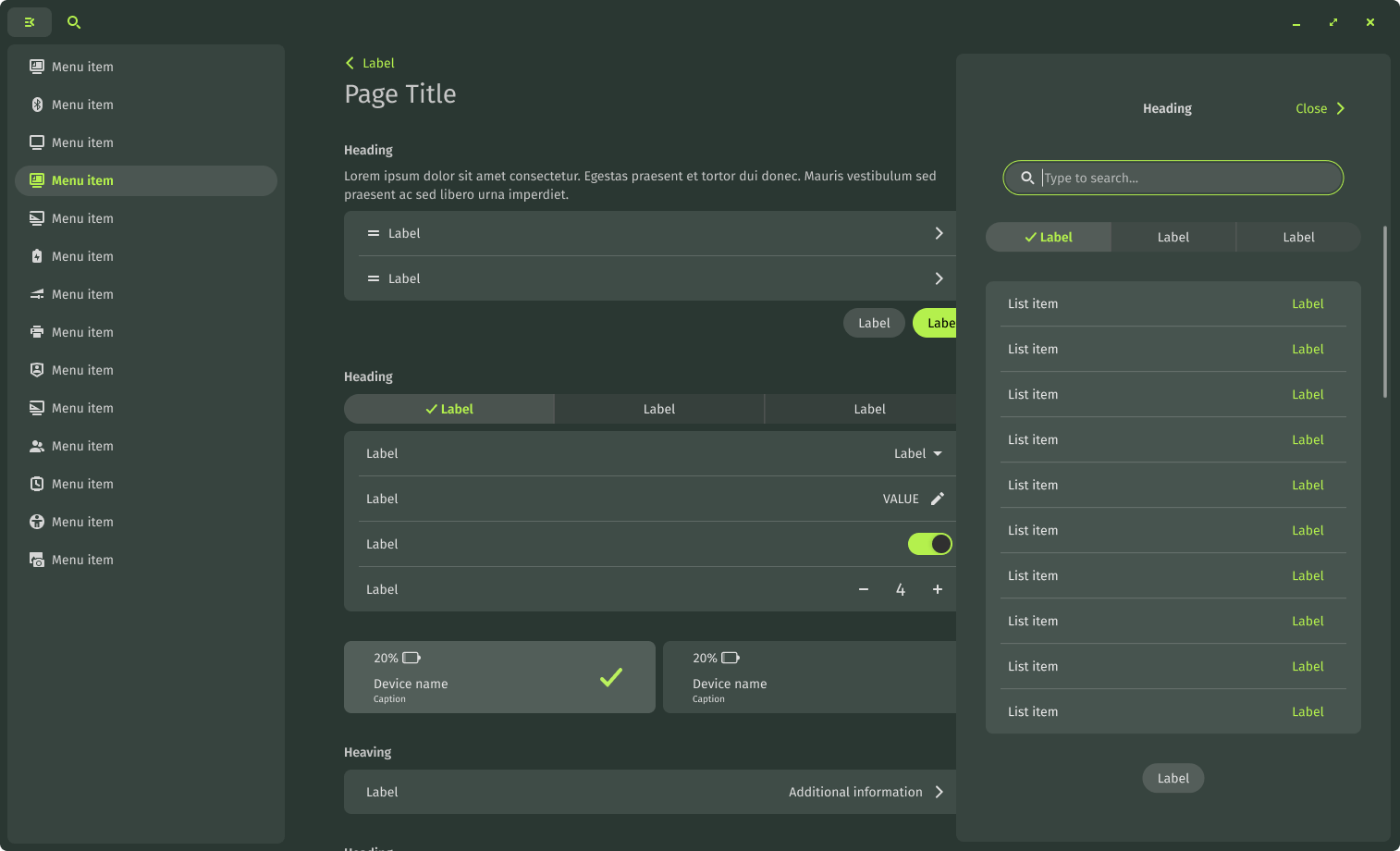
- Customization Galore: Theme everything from wallpapers to accent colors. Dark and light modes auto-switch, and you can tweak panels, docks, and workspaces. It’s highly composable, meaning developers can create custom experiences.
- Built-in Apps: Comes with essentials like COSMIC Files (file manager), COSMIC Store (app installer), COSMIC Terminal, and a text editor. These are lightweight and integrated seamlessly.
- Performance and Security: Rust’s memory safety means fewer crashes and better efficiency. It’s optimized for multi-monitor setups, with improvements in handling large files and VPN connections (including 2FA support in recent updates).
- Accessibility Focus: Features like tap-to-click enabled by default, high-contrast themes, and screen reader compatibility make it inclusive.
- Other Perks: Native support for workspaces, notifications, and system trays. Audio auto-routing and amplified volume up to 150% for those who need it louder.
Compared to GNOME, COSMIC feels more productivity-oriented with its dock and tiling, while being less resource-heavy than KDE. Users on forums like Reddit praise its speed and stability, especially on hardware from System76.
Customizing COSMIC: Theming and Applications – System76 Blog
Recent updates in January 2026 (epoch-1.0.3 and 1.0.4) added better greeter screens, faster file operations, and multi-monitor handling during setup.
A Visual Tour of COSMIC
Let’s see COSMIC in action. Its clean, modern aesthetic draws from macOS and Windows but with a Linux twist—minimalist yet functional.
Here’s the default desktop view, showing the top panel with workspaces and apps launcher:
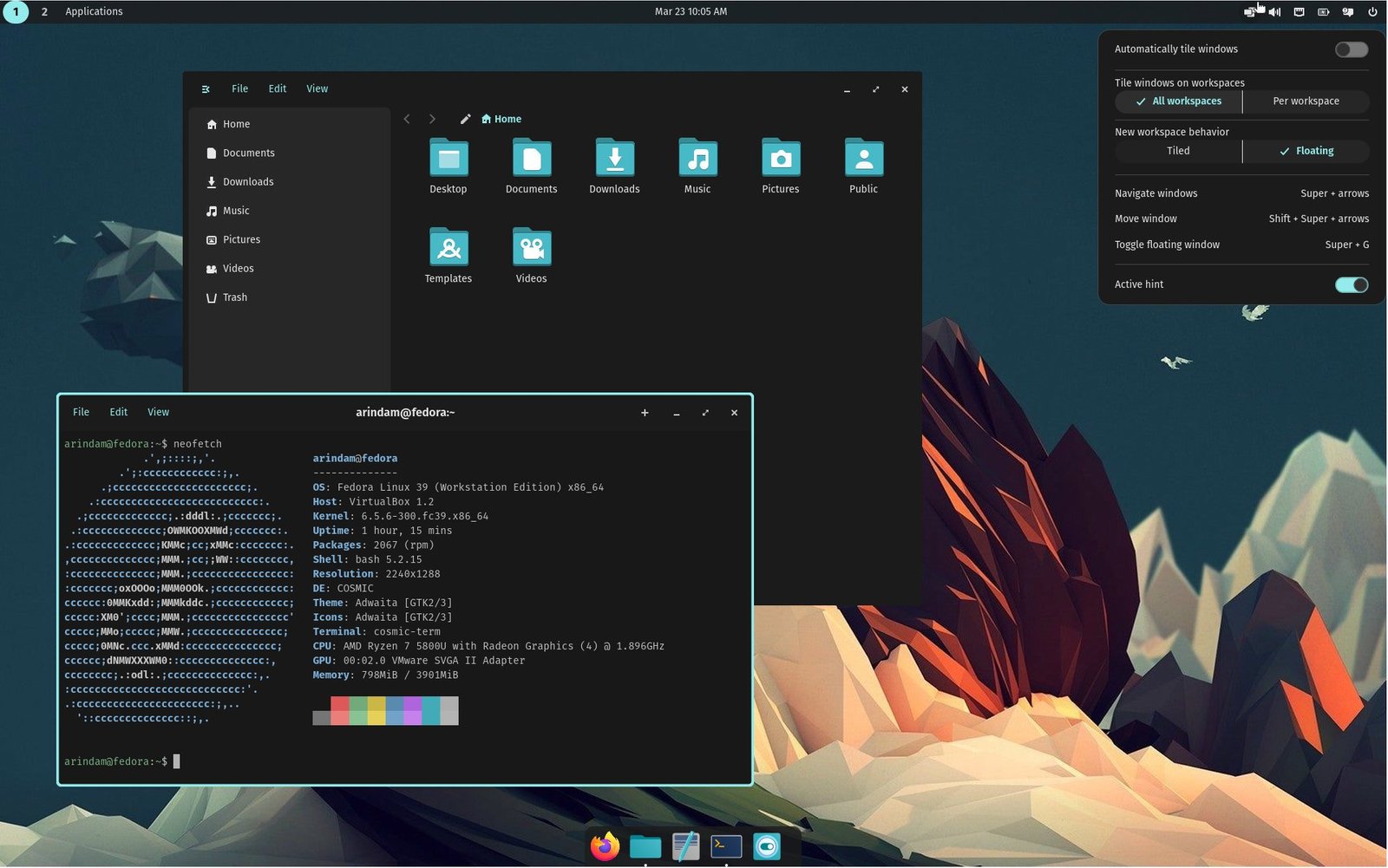
Exploring Cosmic Desktop: A Detailed First Look
Dive into settings for endless tweaks, like panel positions and themes:
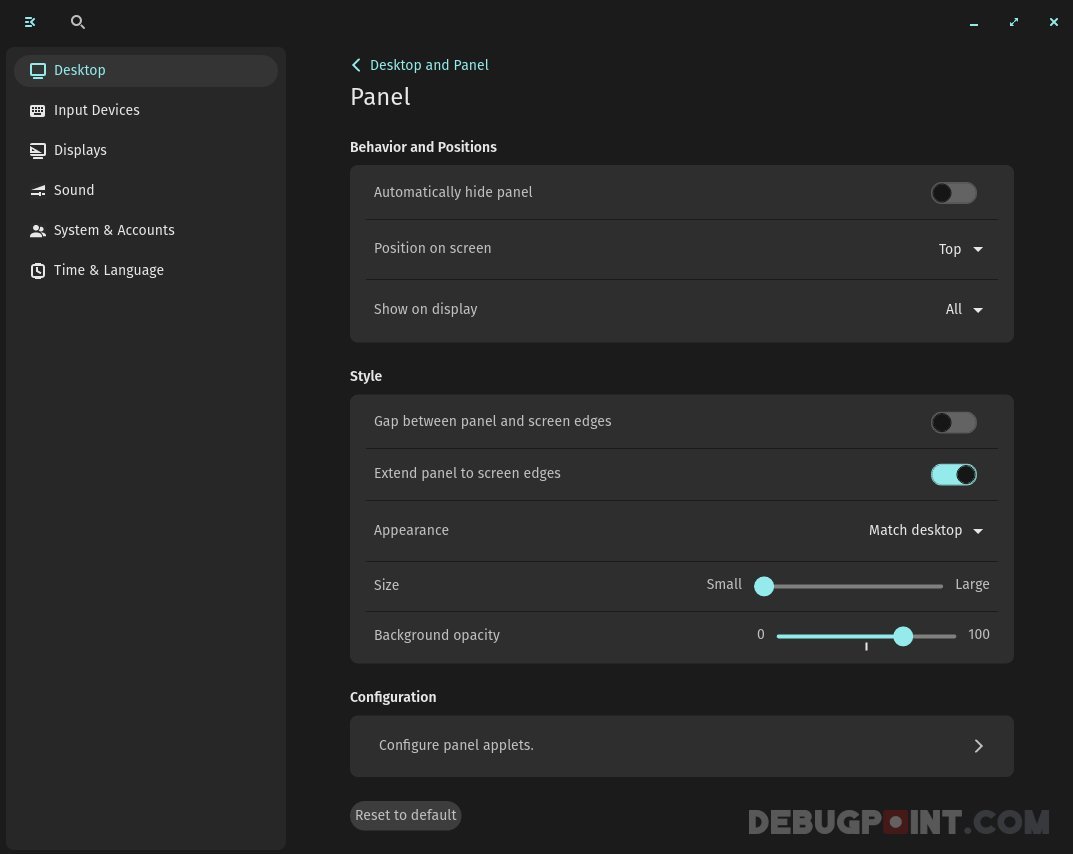
Exploring Cosmic Desktop: A Detailed First Look
Customization options let you pick colors, adjust opacity, and more:
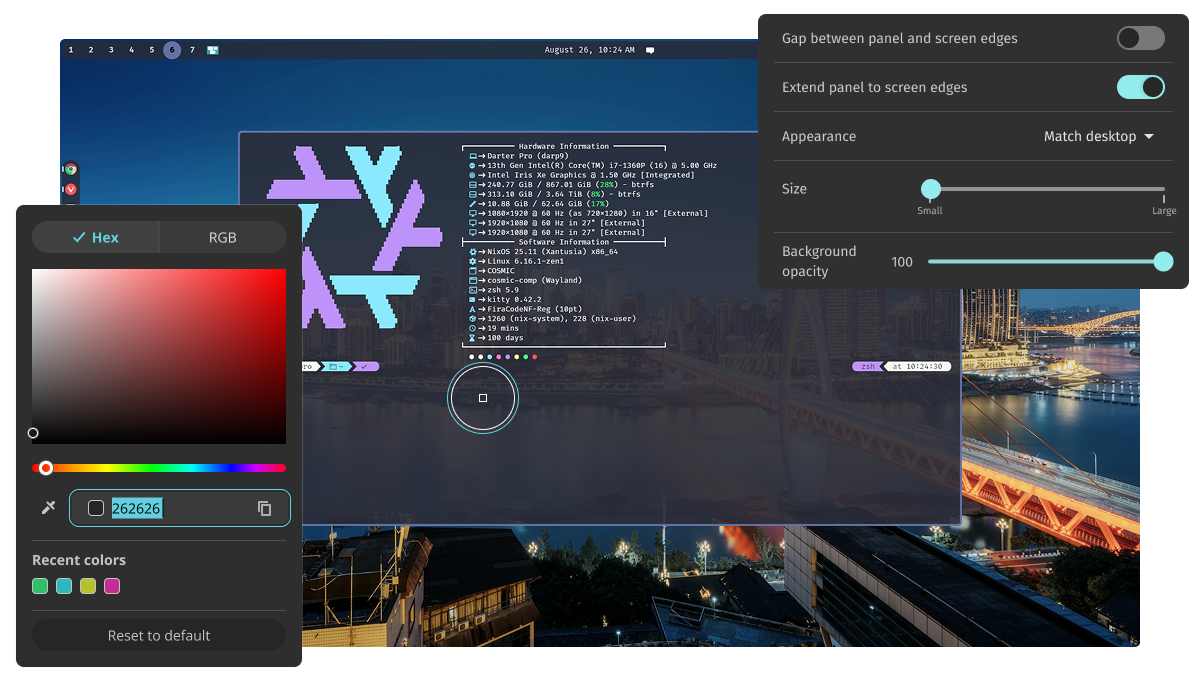
COSMIC
On Pop!_OS, it integrates perfectly with the distro’s cosmic wallpaper and tools:
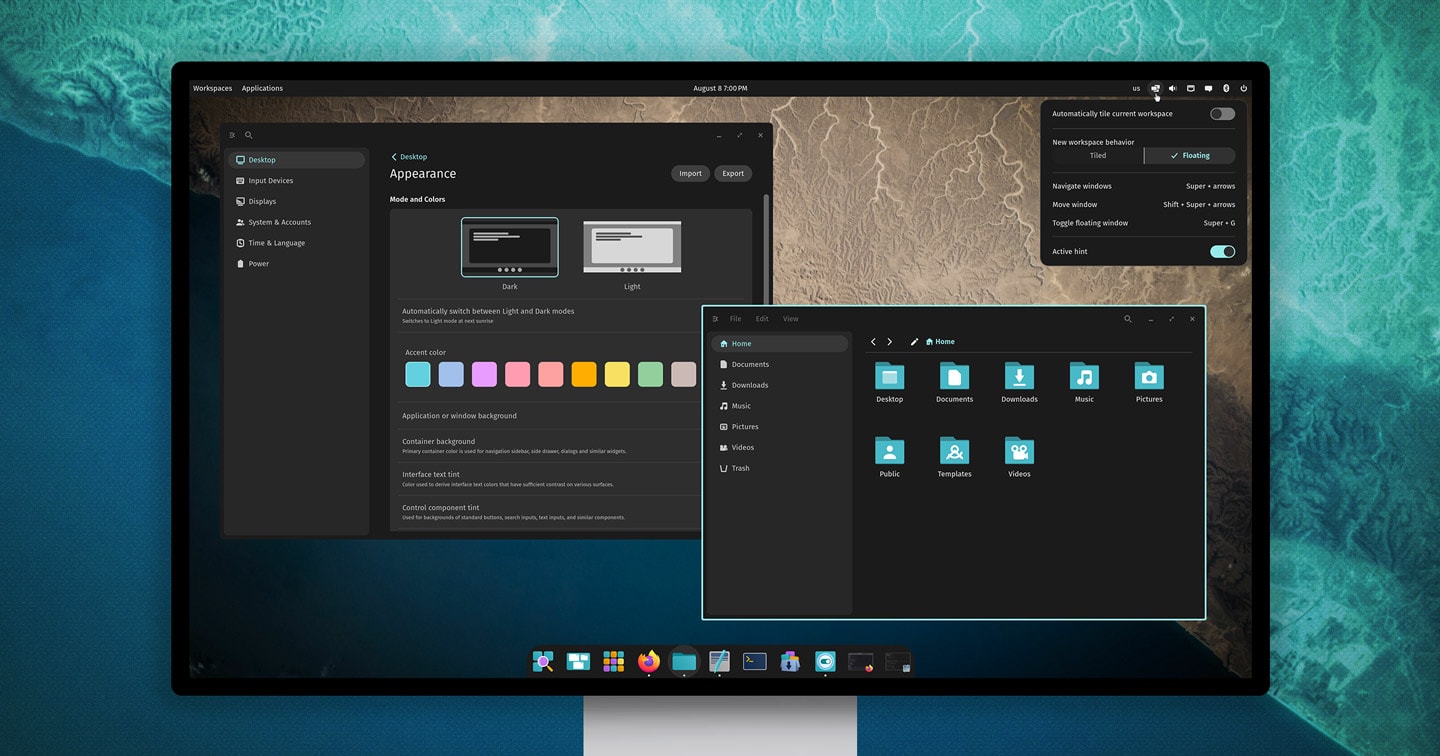
Pop!_OS 24.04 Alpha with COSMIC Desktop is Available to Download …
And here’s a tiled workspace in action, great for developers or multitaskers:

Cosmic X Pop!_OS 24.04. How is your experience? : r/pop_os
These visuals highlight why COSMIC feels fresh—smooth animations, crisp icons, and a focus on usability without bloat.
Simplified Installation Instructions
Getting COSMIC up and running is straightforward. We’ll cover popular distros. Always back up your data before installing new software.
On Pop!_OS
- Download Pop!_OS 24.04 LTS from the System76 website.
- Create a bootable USB and install it—COSMIC is the default DE.
- Boot up, and you’re ready. Updates come via the Pop! Shop.
On Ubuntu 24.04
- Open a terminal.
- Add the PPA: sudo add-apt-repository ppa:hepp3n/cosmic-epoch
- Update packages: sudo apt update
- Install: sudo apt install cosmic-session
- Log out, select “COSMIC” at the login screen, and log back in.
On Fedora
- Enable the COPR repo: sudo dnf copr enable ryanabx/cosmic-epoch
- Install: sudo dnf install cosmic-desktop
- Log out and choose COSMIC from the session menu.
On Arch Linux
- Update your system: sudo pacman -Syu
- Install from AUR (using yay or similar): yay -S cosmic-session
- Or from community repo if available.
- Log out and select COSMIC.
For other distros like Origami Linux (Fedora-based immutable), it’s pre-installed. Test in a virtual machine first if unsure.
Conclusion
COSMIC is more than just another desktop—it’s a step forward for Linux usability, blending speed, security, and style. Whether you’re switching from GNOME for better customization or exploring new distros, it offers a compelling alternative. With community buzz on X (formerly Twitter) highlighting its stability and features, COSMIC is poised to grow in 2026 and beyond.
If you try it, share your thoughts! For the latest, check System76’s site or distro forums. Happy computing!