
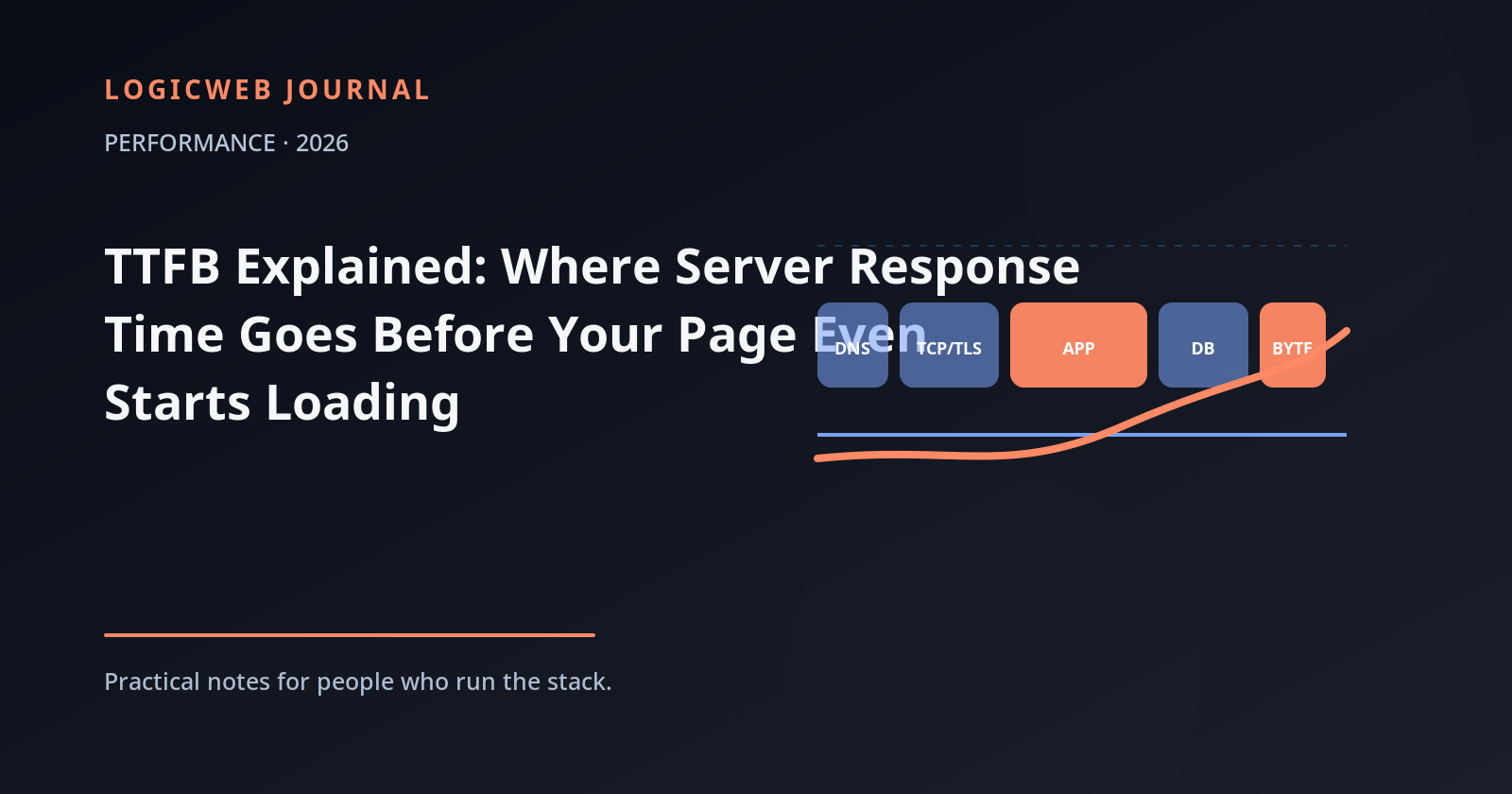
Time to First Byte, or TTFB, measures the time between starting a navigation and receiving the first byte of the response. It happens before the browser can parse the HTML, discover your hero image, or execute most page scripts. That makes TTFB a useful diagnostic signal — and a terrible metric to “fix” with one generic speed plugin.
A slow TTFB is not automatically a slow web server. The waiting time can include redirects, DNS lookup, network connection setup, TLS negotiation, origin distance, queueing, application execution, database work, upstream API calls, and cache misses. Optimization starts by separating those pieces.
Think of TTFB as a pipeline
| Stage | What can go wrong | Typical fix direction |
|---|---|---|
| Redirects | HTTP→HTTPS or www chains | Remove unnecessary hops |
| DNS | Slow resolver or authoritative response | Reliable DNS, sensible records and TTLs |
| TCP/QUIC + TLS | Long distance, packet loss, handshake cost | Closer edge/origin, HTTP/3 where useful, healthy network |
| Queueing | All workers/CPU busy | More capacity, caching, concurrency tuning |
| Application | Slow PHP/Node/Python execution | Profile code, reduce work, update runtime |
| Database | Slow queries, locks, cold cache | Indexes, query fixes, adequate DB memory |
| Upstream APIs | Third-party call blocks response | Timeouts, async work, caching |
| Response path | Origin far from user | CDN/edge cache or closer hosting region |
Measure cached and uncached separately
A full-page cache can transform TTFB because the server can return prebuilt HTML without booting the whole application. That is useful, but it can also hide an unhealthy origin. Test a cached public page and an uncached or authenticated path so you know whether the stack is fast or the cache is simply doing all the work.
For WordPress, a fast cached homepage does not guarantee a fast cart, account page, search result, admin request, or uncached API call. Those paths exercise PHP and the database directly.
Application time is where most “mystery TTFB” lives
When connection timing is healthy but the first byte still arrives late, profile the application. Look for expensive plugins, repeated database queries, external HTTP requests, slow filesystem access, overloaded PHP workers, or background work happening synchronously during the request.
The fastest optimization is often deleting work. Do not run a remote license check, feed import, analytics call, image conversion, and five database scans before returning the first HTML byte if those jobs can happen later.
Database tuning is workload tuning
A database benefits from enough memory for frequently accessed data and indexes, sensible queries, and indexes that match how the application filters and joins. Throwing a larger buffer at a query that scans the wrong rows is not tuning. Use slow-query logs and application profiling to find the expensive statements first.
Network distance still matters
Even a server that generates HTML in 20 milliseconds cannot beat the speed of light. A user thousands of kilometers away pays round-trip latency during connection setup and for requests that reach the origin. A CDN can cache static assets and sometimes full HTML near users, but personalized dynamic requests may still travel to the origin.
This is why “server response time” should be tested from more than one geography. A New York origin may feel excellent in Boston and slow in Singapore even when the application is identical.
A practical TTFB debugging order
- Remove redirect chains and confirm the final canonical URL.
- Test from multiple locations and separate network latency from origin processing.
- Compare cached vs uncached responses.
- Check CPU, memory, disk latency, worker saturation, and database health during a slow request.
- Profile application code and slow queries.
- Inspect upstream HTTP calls and timeouts.
- Add or tune caching only after you know what work is being avoided.
Do not optimize TTFB in isolation
A good TTFB gives the browser a chance to start sooner, but users experience the whole page. Largest Contentful Paint, Interaction to Next Paint, layout stability, image size, JavaScript, fonts, and client-side work still decide whether the site feels fast. TTFB is the opening move, not the final score.
On LogicWeb shared and WordPress hosting, LiteSpeed and its caching stack can reduce origin work for cacheable pages. For custom stacks, KVM VPS gives you the operating-system and application control needed to profile the rest of the path. Choose the layer based on where the milliseconds actually go.
FAQ
What is a good TTFB?
There is no single number that fits every application and geography. Use field data and compare similar pages, but treat consistently high server response time as a signal to separate network delay from origin processing.
Does a CDN reduce TTFB?
It can when the requested content is served from an edge cache close to the user. Dynamic or personalized requests that must reach the origin may see less benefit.
Can a WordPress plugin fix TTFB?
A caching plugin can reduce application work for cacheable pages, but it cannot fix every cause of slow TTFB such as network latency, overloaded CPU, bad database queries, or slow third-party APIs.
Reader discussion
Join the conversation.
Questions, corrections, and useful context are welcome.