
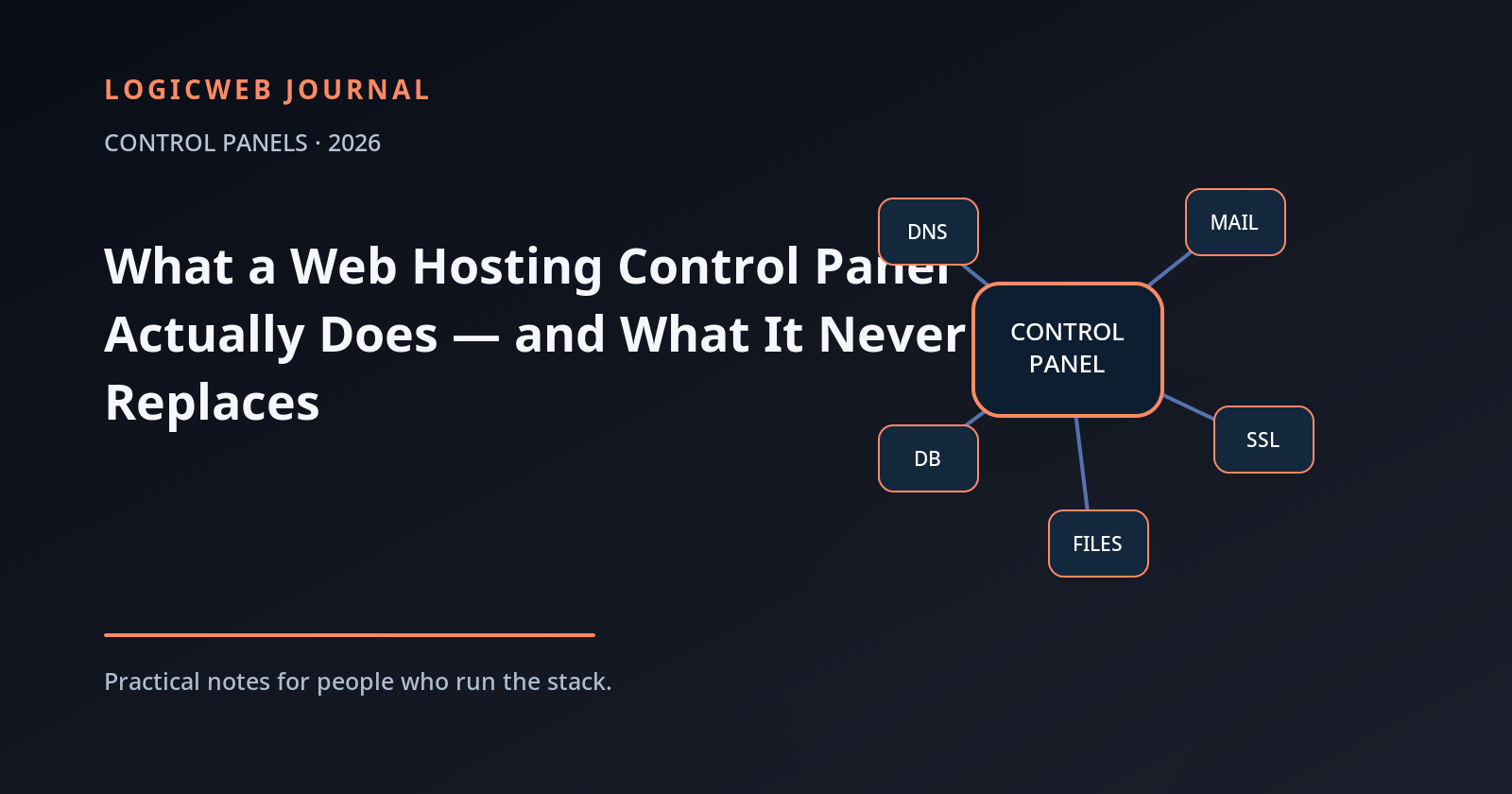
A web hosting control panel is an operations interface wrapped around a collection of server services. It gives humans repeatable buttons and forms for jobs that would otherwise require editing configuration files, creating system users, issuing certificates, managing DNS zones, and remembering the syntax of half a dozen daemons.
That abstraction is valuable. It is also why control-panel debates sometimes go off the rails: people compare screenshots when the real question is which services are integrated, how safely changes are applied, how accounts are isolated, and how recoverable the system is when the panel itself is unavailable.
The seven jobs most hosting panels are expected to handle
| Job | What the panel usually abstracts |
|---|---|
| Websites | Virtual hosts, document roots, PHP versions, redirects, logs |
| DNS | Zones, A/AAAA/CNAME/MX/TXT records, nameserver integration |
| Mailboxes, aliases, forwarders, spam controls, authentication records | |
| TLS/SSL | Certificate requests, renewal, domain validation, HTTPS status |
| Databases | Database/user creation, grants, phpMyAdmin-style access |
| Files & jobs | File manager, FTP/SFTP accounts, cron jobs, SSH controls |
| Backups | Schedules, destinations, account or file/database restore interfaces |
Why a panel is more than a pretty shell script
A mature panel keeps state. It knows which domains belong to which account, which certificate maps to which virtual host, which DNS zone must change when a domain is added, and which permissions should be applied to generated files. The best panels also provide an API so the same lifecycle can be automated rather than clicked by hand.
That state is why bypassing the panel carelessly can create “configuration drift.” If you hand-edit a service file that the panel regenerates later, your change may disappear. Good operators learn where customizations belong and where the panel expects to remain the source of truth.
What the panel does not replace
Monitoring
A green dashboard does not prove the site is healthy. You still need external uptime checks, resource graphs, log review, and alerting that can tell you when DNS, mail, storage, or application behavior is degrading.
Backups you have tested
A scheduled backup job is not the same thing as a recoverable system. You need retention, off-server copies, and periodic restores. If the only copy lives on the same filesystem as the account, a disk failure or ransomware incident can take the “backup” with it.
Security decisions
A panel can turn on a firewall, issue TLS certificates, or offer two-factor authentication. It cannot decide whether a plugin from 2018 should still be running, whether an exposed admin port is justified, or whether a customer should have shell access.
Capacity planning
Panels report resource use; they do not negotiate physics. If a workload outgrows its CPU, memory, disk, or network envelope, an operator must resize, optimize, cache, shard, or move it.
Shared hosting panel vs VPS panel
On shared hosting, the control panel is usually part of the product. The customer manages an account while the provider manages the underlying operating system. On a VPS, you may install a server-level panel and become responsible for the whole machine: updates, firewall policy, mail reputation, backups, abuse, monitoring, and failure recovery.
That difference matters when comparing “free” and licensed panels. A zero-dollar panel can be an excellent tool, but the license is often the smallest part of total operating cost. Your time, patch cadence, compatibility, mail stack, backup system, and support path matter more over a year than the price of the dashboard.
How to evaluate a panel in 2026
- Supported operating systems: Is the distro/version you want actually supported?
- Update model: How quickly do security fixes ship and how are breaking changes handled?
- Backup architecture: Can you restore a single file, database, mailbox, account, and full server?
- Account isolation: Does one customer have a clean security and resource boundary from another?
- Mail and DNS: Are these first-class services or add-ons you must assemble yourself?
- API and automation: Can provisioning be scripted when you have 100 accounts instead of two?
- Support ecosystem: Can your team hire people who already know the stack?
LogicWeb uses cPanel on shared and reseller hosting, and it also supports multiple panel choices on server products. For hands-on server material, the LogicWeb knowledge base covers cPanel, Linux, DNS, security, performance, VPS, and related operations.
FAQ
What is the purpose of a web hosting control panel?
It provides a consistent interface for managing web, DNS, email, databases, TLS, files, users, backups, and related hosting services.
Do I need a control panel on a VPS?
No. You can administer a VPS entirely from the command line and configuration management. A panel is useful when you want standardized multi-site or multi-account workflows.
Is a free control panel cheaper overall?
The software license may be cheaper, but total cost also includes administration time, upgrades, backup tooling, security, compatibility, and support.
Reader discussion
Join the conversation.
Questions, corrections, and useful context are welcome.