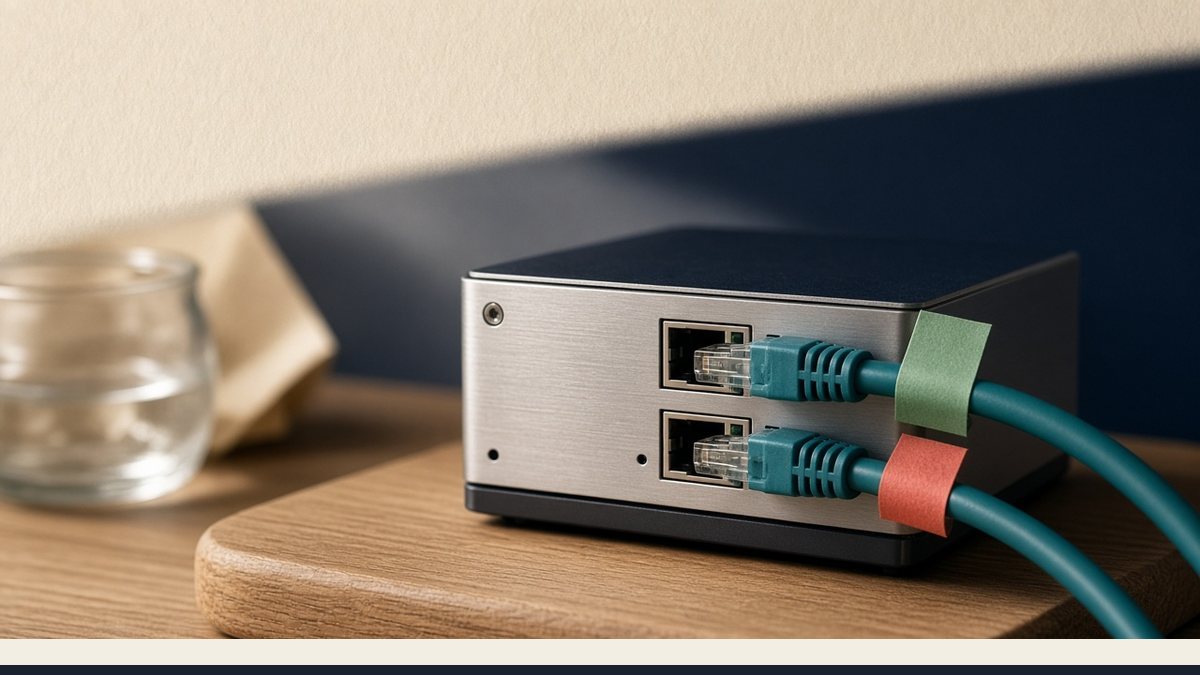
On a dedicated server, the IPMI network is a management path that is separate from the public NIC your site and mail use. You should not point DNS at it, route production traffic through it, or leave the BMC open on the internet. Treat the public address as the one customers reach, and treat IPMI as out-of-band access for power, console, and rescue when the OS is down.
What the public NIC is for
The public NIC holds the address you put in DNS, the reverse DNS used for mail, and the IPs your customers and payment processors actually hit. Web, SSH, SMTP, and your firewall rules belong on this side of the machine. If we assigned you more than one IPv4 on dedicated hardware, those addresses still sit on the public side unless we told you otherwise. When people say “the server IP,” this is the one they mean.
What the IPMI network is for
IPMI runs on a small management controller on the motherboard, often called the BMC. It may use its own NIC or a shared physical port, but it still has its own MAC and address. From there you get remote power control, iKVM console, and virtual ISO mounts when the operating system will not boot. You need to reach it; the public internet does not. Turn off default credentials, restrict access with an allow list or VPN, and do not publish a public A record for it. Keep the address in your runbook under a label that is clearly not the website.
Keep the two networks from mixing
A common failure is the OS learning a default gateway on the IPMI NIC after a cable was plugged in or an installer picked the wrong interface. That can cause odd latency, traffic hairpinning through a management switch, or a broken return path for the site. Another failure is applying one broad firewall rule to every address and locking yourself out of both SSH and IPMI at once. Document both IPs clearly so you are not guessing at two in the morning.
Test iKVM on a normal business day while the server is healthy, not only after a kernel panic. Dedicated Linux and dedicated Windows both have this split. A VPS does not; KVM guests use a panel console instead of a BMC, so looking for an IPMI login on VPS means you are on the wrong product. Write the IPMI address separately from the public NIC in your notes. Mixing them is a reliable way to lose access to both.
Tagged
Was this article helpful?
Be the first to rate this article.