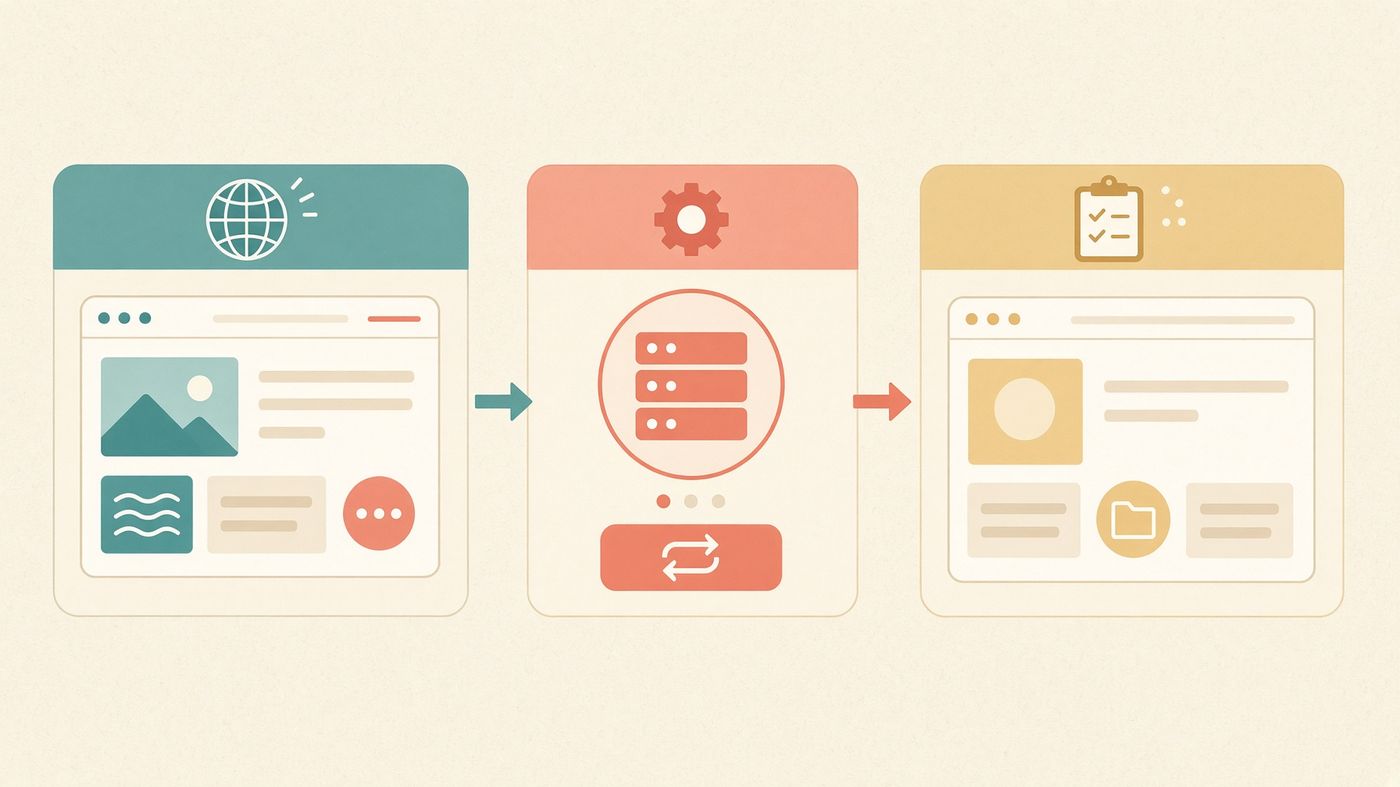
WordPress Toolkit is cPanel’s official manager — install, stage, clone, sync, copy, update, migrate, and harden without a third-party SaaS. AccelerateWP sits beside it and makes the site faster without a shopping bag of premium plugins.
Staging URL is first-party. Not a plugin you forget to update.
Smart updates test the bump before it hits production.
Sitejet is still one button away if you want a builder instead.
WP Toolkit
Clone it. Break it. Sync only what worked.
Staging is not a plugin you forget to update. WP Toolkit copies the site and database to a safe URL, tests the theme or core bump, then pushes selected changes back to production.
Toolkit → AccelerateWP → LiteSpeed Cache. Already in the panel.
LiteSpeed vs Apache vs Nginx
The same WordPress page. Three web servers.
LiteSpeed’s published WordPress tests put LSCache up to 12× nginx and 84× Apache on uncached PHP. Their HTTP/3 suite transferred files more than twice as fast as nginx/QUICHE, on less CPU. LSCache is first-party. AccelerateWP then minifies, lazy-loads, and — on Pro — adds Redis object cache.
LiteSpeed’s published WordPress tests. Same page, three servers.
Imunify360 + SpamAssassin
Imunify360 on the files. SpamAssassin on the mail.
Imunify360 watches uploads, brute-force noise, and PHP that should never run — Proactive Defense intercepts it before the payload executes. Apache SpamAssassin scores every message with Bayes, DNS blocklists, and heuristics. Neither is an upsell on a WordPress SKU.
Imunify360 intercepts PHP. SpamAssassin classifies the mail.
Three plans. WordPress is already on them.
Yearly saves 25%. AccelerateWP Premium ships on Pro. Every plan includes WP Toolkit and LiteSpeed Cache.
Go
A first site, a side project, or a clean start after leaving a teaser host.
Add, activate, deactivate, or remove plugins and themes on one site or every site on the account.
Stage, clone, sync
Copy production to a safe URL, try the update, then push selected changes back.
Smart updates
WP Toolkit tests theme, plugin, language, and core updates before they go live.
One-click harden
Security checklist and auto-fixes — file permissions, keys, unused plugins — from the same screen.
Copy & migrate
Copy a site to another domain on the account, or pull a WordPress install in without a plugin pile.
WP-CLI & Git
SSH is on every plan. Deploy with Git, run WP-CLI, skip the FTP ritual.
AccelerateWP — CloudLinux, not a plugin you forget to update
AccelerateWP is included with CloudLinux on every LogicWeb node. The free tier handles cache and assets. Premium features — the ones most hosts sell back — live on Pro.
Page cache
Full-page, browser, and mobile-aware cache. Exclusions and pre-load included on every plan.
SmartAdvice
CloudLinux reads the site and offers one-click fixes instead of a 40-plugin stack.
Assets
Minify, defer JavaScript, optimize Google Fonts, lazy-load media. Free tier, every plan.
Premium on Pro
Critical CSS, image optimization, Redis object cache, and Pro CDN — included on the $15 Pro plan.
How a WordPress site actually starts here
1
Order Go, Plus, or Pro
Same stack as web hosting. WordPress is not a different SKU with a different renewal.
2
Open WP Toolkit
Install a fresh site or point us at the old one. Staging URL is one click.
3
Turn on AccelerateWP
Cache and assets are already there. Pro adds Redis, critical CSS, and the CDN.
4
Keep the rate
The $5, $10, or $15 you order is the number next year. No WordPress “managed” hike.
Everything on every plan — not sold back as add-ons
LiteSpeed + LSCache
3–6× faster dynamic pages than Apache. HTTP/3 included.
Guaranteed CPU and RAM share. Neighbors cannot steal your slice.
Sitejet AI
Prompt-to-site builder with 140+ templates, inside cPanel.
WordPress Toolkit
Install, stage, clone, harden, and test updates from one screen.
JetBackup
Daily copies, 7-day retention, restores on request at no fee.
Dedicated IPv4
On Plus and Pro. Clean rDNS. No shared-IP reputation lottery.
AutoSSL
Let’s Encrypt issued and renewed per domain, automatically.
Redis + Memcached
Object cache ready for WooCommerce and memberships.
AppVault 350+
WordPress, Joomla, Magento, Drupal and 350+ others. Install and update from cPanel — no zip hunt.
PHP 7 & 8 selector
7.4 through 8.4 per account or folder, via CloudLinux. CageFS keeps your version off the rest of the node.
Node.js
Pick a Node version in cPanel. APIs and build tools run on this account; you don’t need a VPS for them.
Ruby on Rails + Gem
Rails on Passenger, gems per account. It can live next to WordPress on the same login.
MariaDB
The MySQL-compatible engine every CMS expects. Users, grants, and phpMyAdmin are already in cPanel.
PostgreSQL
Second engine, same account. JSON, PostGIS, or stricter SQL without standing up another server.
Python
CloudLinux Python selector. WSGI or Passenger, pip per account — no ticket to turn it on.
Perl
CGI, PEAR, and Perl modules ship with the account. Older scripts run without a special request.
SSH, Git, SFTP
Cron, MultiPHP INI, phpMyAdmin, pgAdmin, WP-CLI.
Not a managed-hosting SKU
Staging and Toolkit without a $30 “WordPress hosting” tax.
WP Engine and Kinsta sell staging, CDN, and a hardened stack as a $20–$50/mo product. LogicWeb puts Toolkit, AccelerateWP, LiteSpeed, and Imunify360 on the $5 Go plan — and does not hike the renewal.
cPanel’s WordPress manager. Install, stage, clone, sync, copy, update, migrate, and security-harden sites from one screen. Test theme and plugin updates on a staging copy before they touch production.
What is AccelerateWP?
CloudLinux’s WordPress optimization suite. The free tier — page cache, minification, lazy-load, SmartAdvice — ships on every LogicWeb WordPress plan. AccelerateWP Premium (critical CSS, image optimization, Redis object cache, Pro CDN) is included on Pro.
Will AccelerateWP conflict with WP Toolkit or LiteSpeed Cache?
No. CloudLinux tests AccelerateWP against WP Toolkit. LiteSpeed Cache handles the server-level page cache; AccelerateWP adds asset, image, and object-cache intelligence on top.
Can I stage and clone a WooCommerce store?
Yes. WP Toolkit clones the site and database to a staging subdomain. You test the update there, then sync selected changes back. Redis is already on the account for object cache.
Do I need a separate WordPress-only plan?
WordPress Hosting is the same Go / Plus / Pro stack as web hosting, framed for WordPress. You still get cPanel, email, and Sitejet if you want them.
How are backups handled?
Automated daily backups of the entire account. Retention is seven days. Restores are free on request.
Do prices go up at renewal?
No. Go stays $5, Plus stays $10, Pro stays $15.
30-day guarantee · free move
Bring the site. Keep the rate.
Most sites start at $5. WooCommerce and agencies usually want Pro — AccelerateWP Premium is already there.