
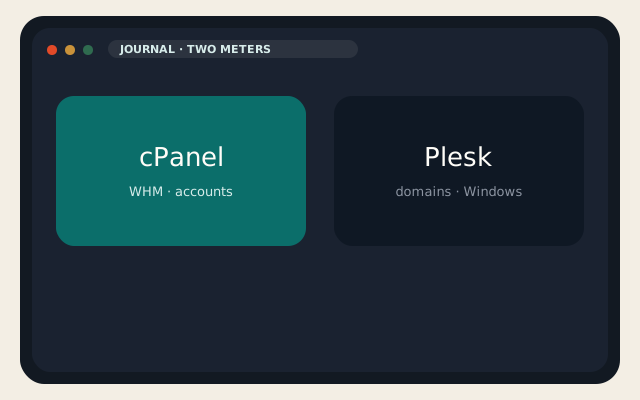
WebPros owns cPanel and Plesk. That is the first thing most “cPanel vs Plesk” roundups still skip. You are not picking a rival vendor. You are picking a license meter, an operating system, and the interface your staff can already operate at 2 a.m.
cPanel still sells by hosting account. Plesk still sells by domain. cPanel is Linux-only. Plesk still ships a Windows build. Both include WP Toolkit. Both will run WordPress, mail, DNS, and Let’s Encrypt. If you already sell cPanel accounts, switching panels is a migration project, not a settings toggle.
Licenses and pricing in 2026
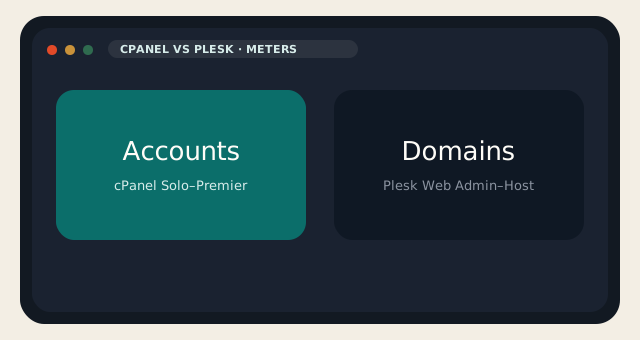
The cPanel Store list that took effect 16 December 2025 is still the public retail grid on 1 September 2026. Solo Cloud is $29.99 per month for one account. Admin Cloud is $35.99 for up to five. Pro Cloud is $53.99 for up to thirty. Premier Cloud is $69.99 for 100 accounts, then $0.49 for each extra account. Solo, Admin, and Pro are Cloud/VPS licenses. Premier is the tier that also covers dedicated metal. Annual Store billing exists on Solo, Admin, and Pro; Premier is monthly on the Store page.
Plesk’s official VPS prices, shown in euros on plesk.com/pricing, are Web Admin Edition at €12.04 per month for ten domains, Web Pro at €18.29 for thirty, and Web Host at €31.38 for unlimited domains. Dedicated SKUs exist with the same feature split. Plesk revised those subscriptions on 1 January 2026. Partner blogs quoted an average increase around 26 percent; quote the euro number from the live pricing page rather than someone else’s percentage.
| cPanel | Plesk | |
|---|---|---|
| Meter | cPanel accounts | Domains |
| Entry | $29.99 · 1 account (Solo) | €12.04 · 10 domains (Web Admin) |
| Small team | $35.99 · 5 accounts (Admin) | €18.29 · 30 domains (Web Pro) |
| Growth | $53.99 · 30 accounts (Pro) | €31.38 · unlimited (Web Host) |
| Top | $69.99 · 100 + $0.49 overage (Premier) | Dedicated SKUs, same editions |
| Windows | No | Yes |
| WordPress | WP Toolkit | WP Toolkit (SE on Web Admin) |
| Parent company | WebPros | WebPros |
There is no single cheaper winner. Five reseller-style accounts on cPanel Admin is $35.99. Ten domains that are not five cPanel users on Plesk Web Admin is €12. A hundred cPanel accounts is Premier plus overage. Unlimited Plesk domains is Web Host. If you sell accounts, cPanel’s meter matches the business. If you host many domains on one box, Plesk’s meter matches the business.
Neither license includes a clean IP neighborhood. Reverse DNS, SPF, DKIM, and the reputation of the prefix still decide whether mail leaves. Confirm the path on an IP lookup before you blame the panel.
Features, WordPress, and Windows
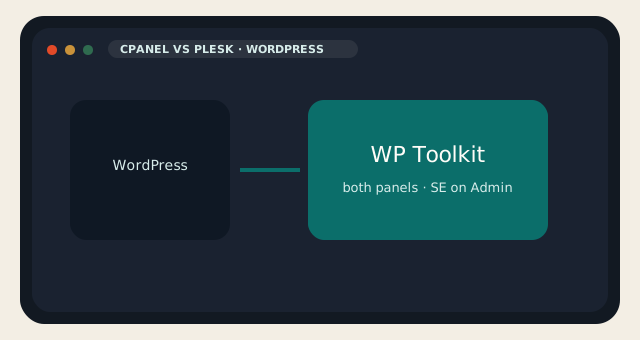
WordPress is a draw. Both panels ship WP Toolkit: staging, cloning, and bulk updates. Plesk Web Admin uses a trimmed SE edition. On LogicWeb, WP Toolkit already sits on WordPress hosting and on the shared cPanel stack, with Sitejet as the builder. You do not need Plesk to stage a WordPress site.
Mail, DNS, AutoSSL / Let’s Encrypt, and PHP selectors are table stakes on both. Imunify is what we run on cPanel nodes. Plesk has its own extension catalog. Collecting security add-ons does not replace backups you have actually restored.
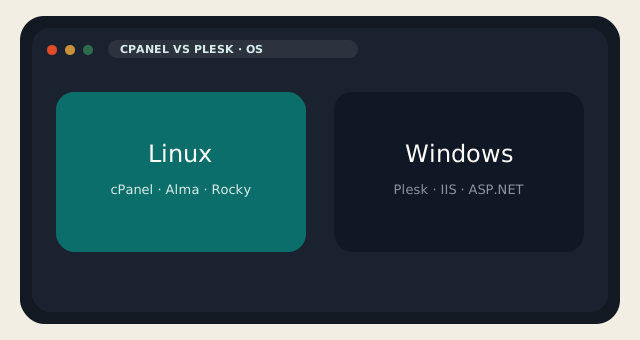
Windows is the fork that comparison charts keep burying. cPanel’s Windows product is gone. If the workload is IIS or ASP.NET, stop treating cPanel vs Plesk as Linux versus Linux. Plesk is the commercial panel that still speaks that OS. Docker is common in Plesk shops; it is not a reason to put Plesk on a brochure WordPress site that would have been fine on LiteSpeed.
Migrations follow the same split. A cPanel-to-cPanel copy — files, mail, databases, cron, SSL — is the pack we run for free on shared and reseller. You preview, then you change DNS. Plesk-to-cPanel is a conversion. Budget it like one. The migration page describes the cPanel pack, not a universal translator.
cPanel — strengths and limits
- WHM for resellers and a restore path every host already knows.
- LiteSpeed as a normal add-on; clients often arrive already trained on the UI.
- Account meter, yearly list-price increases, Linux only.
- You cannot drop the license without rebuilding the box.
Plesk — strengths and limits
- Domain meter, Windows, Docker, and a UI many agencies already use.
- Cheaper entry SKU if you truly have about ten domains, not fifty accounts.
- Still a commercial lease; January 2026 raised the list.
- Web Admin’s WP Toolkit is trimmed; cPanel-to-Plesk is not a one-click we run.
Which panel to choose
Choose cPanel if you sell accounts, need WHM, or want a host to copy the account pack. That is reseller hosting and our shared nodes. Choose Plesk if you need Windows, or if the shop already runs it and retraining would cost more than the license. Choose neither if the complaint was the invoice itself — then the job is a free panel on a KVM VPS, or no panel, with a snapshot before you install anything.
cPanel vs Plesk is the wrong title when you wanted git deploys. That is 1Panel or Coolify. It is also the wrong title when you wanted WHM without paying cPanel. Nothing honest gives you WHM without cPanel.
Shared hosting at LogicWeb stays cPanel. Dedicated is IPMI plus whatever you install. A VPS is your panel or none. Those are three products. The comparison page is not a fourth.
If you needed a single WordPress site with mail and no interest in WHM, you may not need this fight at all. A managed cPanel plan already includes the license. Buy the panel separately only when you own the guest.
cPanel vs Plesk also shows up when an agency inherited a mixed book: some Linux shops, one Windows CRM, a client who refuses to leave Plesk. Convert the Linux sites if you must. Leave the Windows site on Plesk. Do not invent a third panel for the leftover.
On dedicated hardware the same rules apply. cPanel Premier Metal covers the box; Plesk dedicated SKUs cover the same editions as VPS. IPMI is not a panel. Whoever logs into IPMI still has to install one. cPanel vs Plesk on bare metal is the same meter conversation with a larger blast radius.
For day-to-day operations, cPanel vs Plesk is less about icons and more about who answers when AutoSSL fails or a PHP version needs to move. If that person is us, you wanted shared or reseller cPanel. If that person is you, pick the UI you can restore from a snapshot and write the restore steps down.
Reader discussion
Join the conversation.
Questions, corrections, and useful context are welcome.