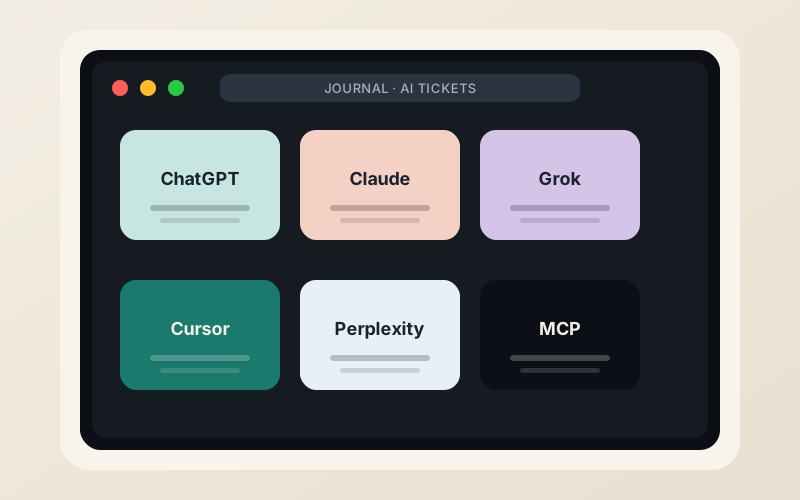
Most “top AI agents” lists still read like product launches. On the support desk at a host that has been answering tickets since 2004, the picture looks different. Agents show up as tools people already use, or as new failure modes that land in the queue.
This is not a ranking of which model is smartest. It is a field note from the tickets that arrive when someone tries to run, host, or recover from an AI agent on real metal.
What an AI agent means on a ticket in 2026
By mid-2026 the term has settled into a few practical shapes:
- A chat window that can call tools (browser, code interpreter, file system, or an MCP server).
- An IDE plugin that edits and runs code with a model behind it.
- A persistent process that keeps state, schedules work, and sometimes opens tickets of its own.
- A “operator” style agent that clicks through web UIs and occasionally breaks them.
The ones that generate tickets are rarely the pure research demos. They are the ones that need a stable IP, a long-lived process, outbound SMTP, or a Docker socket.
The agents we actually see
ChatGPT (and the Operator experiments). Still the default for many customers who paste error logs. When they move past chat into the operator-style agents that drive browsers, the tickets shift: rate limits, CAPTCHA walls, and the occasional locked account after an agent loops on a form. The model itself is rarely the problem; the environment is.
Claude. Appears most often when the task involves long, messy documents—contracts, old cPanel migration notes, or multi-site WordPress inventories. Customers paste the entire ticket history and ask Claude to summarize what the previous tech already tried. The model is good at that. The ticket then becomes “Claude said X, is that still true on your stack?”
Grok. Shows up when someone wants a blunt answer or needs current data pulled from the open web. On hosting tickets it is useful for “what changed in LiteSpeed this week” or “is this RPKI ROA still valid.” The same bluntness that makes it useful can also produce confident-sounding advice that needs a second human pass.
Cursor and the IDE class. These generate fewer pure hosting tickets and more “my deploy script failed after the agent rewrote the Dockerfile.” The pattern is consistent: the agent optimizes for the local environment it can see, then the production VPS (different OS, different user, SELinux or AppArmor) rejects the result. Snapshots before the agent runs are the single best mitigation.
MCP-connected agents. The Model Context Protocol turned agents into something that can talk to a host’s own tools. Some managed WordPress hosts now expose MCP servers so an agent can clear cache, issue SSL, or run WP-CLI. On a self-managed VPS the customer is responsible for the MCP server process, its permissions, and the blast radius if the agent is given too much scope. Tickets about “the agent deleted the wrong database” are no longer theoretical.
OpenClaw, Hermes, and the persistent open-source agents. These are the ones that need a VPS that stays up. They want root or a carefully scoped user, Docker, outbound HTTPS, and often a stable public IP for webhooks. Customers who try to run them on shared hosting discover the limits quickly. Customers who put them on a $5 KVM with two IPv4 addresses and snapshots usually stay.
The jobs that generate tickets
- Deploying the agent itself. Dockerfile that assumes Ubuntu 24.04 when the template is AlmaLinux. Missing system packages. Port conflicts with the existing panel.
- Keeping state. Agents that write to local disk without a volume, then the VPS is rebooted for a kernel update.
- Outbound reputation. An agent that sends mail or hits third-party APIs hard enough to get the shared IP or the dedicated IP listed.
- Permission mistakes. Giving an agent the Docker socket or unrestricted sudo because “it needs to install things.”
- Recovery after the agent went wrong. This is the most human part of the queue. The customer has a snapshot from before the agent ran, or they do not.
What we tell people who want to host agents
Name the job first. Is the agent a research tab, a code editor, a browser clicker, or a long-running process that must survive reboots? The answer changes the infrastructure.
Prefer a VPS with snapshots over a shared account. Prefer two IPv4 addresses if the agent will talk to the outside world and you may need to rotate. Prefer a provider that still answers tickets with a human who has root on the same machines.
Keep a human in the loop for anything that can send mail, push git, or drop tables. The models are better than they were in 2024. They are not yet the person who owns the invoice.
External context
The broader market is moving quickly. Managed platforms for OpenClaw and Hermes appeared in 2026. MCP servers are now a product feature at several WordPress hosts. The underlying constraint has not changed: an agent is only as reliable as the machine and the network it runs on, and the person who can still log in when the agent is stuck.
That person is still, in most of the tickets we see, a human.
LogicWeb has been privately held since 2004. We still answer the tickets ourselves.
Written at the desk
ChadBe the first to weigh in.