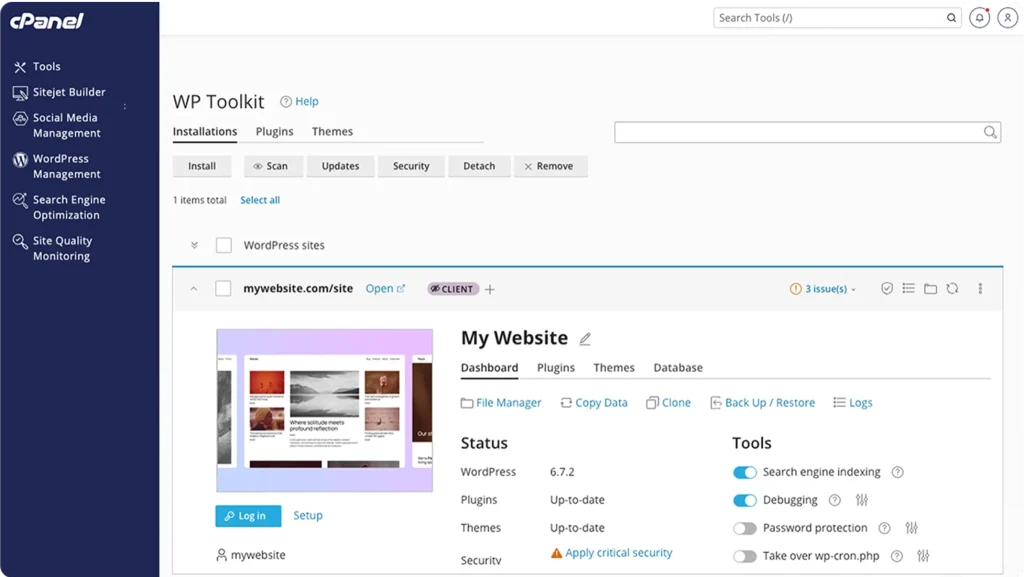
In the fast-evolving digital landscape of 2025, artificial intelligence (AI) is revolutionizing how we build, manage, and optimize WordPress sites. As the world’s most popular content management system, powering over 40% of websites, WordPress benefits immensely from AI integrations. Whether you’re a blogger, e-commerce owner, or developer, AI tools for WordPress can automate tedious tasks, boost SEO performance, enhance user engagement, and drive conversions. This comprehensive guide explores 18 key ways AI can supercharge your WordPress site, complete with real-world examples, benefits, and visuals to illustrate the impact. From AI-powered content generation to advanced security, discover how these innovations can make your site smarter and more efficient.
1. AI-Powered Content Generation
AI excels at creating high-quality, SEO-optimized content quickly, saving hours of manual writing. Tools like Jetpack AI Assistant or AI Engine plugin integrate directly into the WordPress editor, generating blog posts, product descriptions, and headlines based on prompts. For instance, you can input keywords like “best AI tools for WordPress,” and AI will produce engaging drafts complete with meta descriptions and internal links.
Benefits include faster content production (up to 10x quicker than manual methods), improved consistency, and scalability for large sites. According to WPBeginner, plugins like Uncanny Automator use AI to automate workflows, including content creation tied to OpenAI models.
Top 7 WordPress AI Content Generators
| Aspect | Traditional Content Creation | AI-Enhanced Content Creation |
|---|---|---|
| Time Required | Hours per article | Minutes per article |
| SEO Optimization | Manual keyword research | Automated with suggestions |
| Cost | High (writers’ fees) | Low (subscription-based tools) |
| Scalability | Limited by human resources | Unlimited with API integrations |
This comparison highlights how AI streamlines workflows, making it ideal for busy site owners.
2. SEO Optimization with AI
AI tools analyze your site’s content, suggesting improvements for better search rankings. Plugins like AIOSEO use machine learning to generate meta tags, optimize headlines, and identify keyword gaps. For example, it can scan your WordPress pages and recommend long-tail keywords to target voice search queries.
The benefits? Higher organic traffic, reduced bounce rates, and data-driven decisions. As noted in Hostinger’s tutorials, AI SEO tools automate sitemap creation and schema markup, boosting visibility on Google.
The 9 Best AI SEO Tools for WordPress in 2025
Real-world use case: E-commerce sites see a 20-30% traffic uplift by using AI to refine product pages.
3. Automated Image Generation
Gone are the days of stock photo hunting—AI generates custom visuals tailored to your content. Plugins like Divi AI or AI Engine integrate with models like DALL-E to create blog images, thumbnails, and infographics from text descriptions.
This enhances visual appeal, improves load times with optimized files, and ensures originality. Kinsta reports that AI image tools can reduce design costs by 50% while maintaining brand consistency.

The 10 Best AI Image Generator Tools That Will Transform Your …
| Feature | Stock Photos | AI-Generated Images |
|---|---|---|
| Cost | Subscription or per-image fees | Often free or low-cost via plugins |
| Customization | Limited | Infinite based on prompts |
| Speed | Search and edit time | Instant generation |
4. AI Chatbots for Customer Support
Integrate AI chatbots to provide 24/7 assistance on your WordPress site. Plugins like Tidio or LivePerson use natural language processing to handle queries, recommend products, and even process bookings.
Benefits include improved customer satisfaction (up to 70% query resolution rate) and reduced support tickets. Formidable Forms highlights how AI chatbots keep comment sections clean by moderating spam in real-time.
![AI-Powered Chatbots for WordPress Site: A Comprehensive Guide [2025] - WPDeveloper](https://lh7-rt.googleusercontent.com/docsz/AD_4nXeQXNhRQ_AWFnHBqXwsrqiCaamamYhlZ8FJOW1Oog86nk7q2-H6HrRQB_DyJCxVCzZyeztk4vaA85XhjX0bBMEGYtfb1LV5rGCdSf4_c7PwXd275LJjtpHQrDCmPpBby_xd0hW4fA?key=G-jPih2EsuijCx6LyJTqmULN "Unlocking the Power of AI in WordPress: 18 Transformative Ways to Elevate Your Website 4")
AI-Powered Chatbots for WordPress Site: A Comprehensive Guide [2025] – WPDeveloper
Example: WooCommerce stores use AI bots for personalized shopping advice, increasing conversions by 15-20%.
5. Personalized User Experiences
AI analyzes visitor behavior to deliver tailored content, such as recommended posts or product suggestions. Plugins like Related Posts or OptiMonk use machine learning for dynamic personalization.
This boosts engagement and retention, with studies showing personalized sites convert 20% better. itMonks explains how AI tracks preferences to showcase relevant services.
5 Content Personalization Tools for Your WordPress Website …
6. Enhanced Security Measures
AI detects threats like malware or brute-force attacks before they cause damage. Wordfence, an AI-powered security plugin, uses machine learning to scan for vulnerabilities and block suspicious traffic.
Benefits: Proactive protection, fewer hacks, and peace of mind. ServerAvatar notes AI transforms cloud security for WordPress users by predicting anomalies.
How AI Is Transforming WordPress Security for Cloud Users
| Threat Type | Manual Security | AI Security |
|---|---|---|
| Detection Speed | Reactive (after breach) | Proactive (real-time) |
| Accuracy | Human error-prone | 95%+ with ML models |
7. Performance Optimization
AI tools monitor and optimize site speed, caching, and resource allocation. Navigation AI, integrated via plugins, suggests improvements like image compression or code minification.
Faster load times (under 2 seconds) improve SEO and user experience. aaPanel discusses how AI boosts hosting panel performance seamlessly.
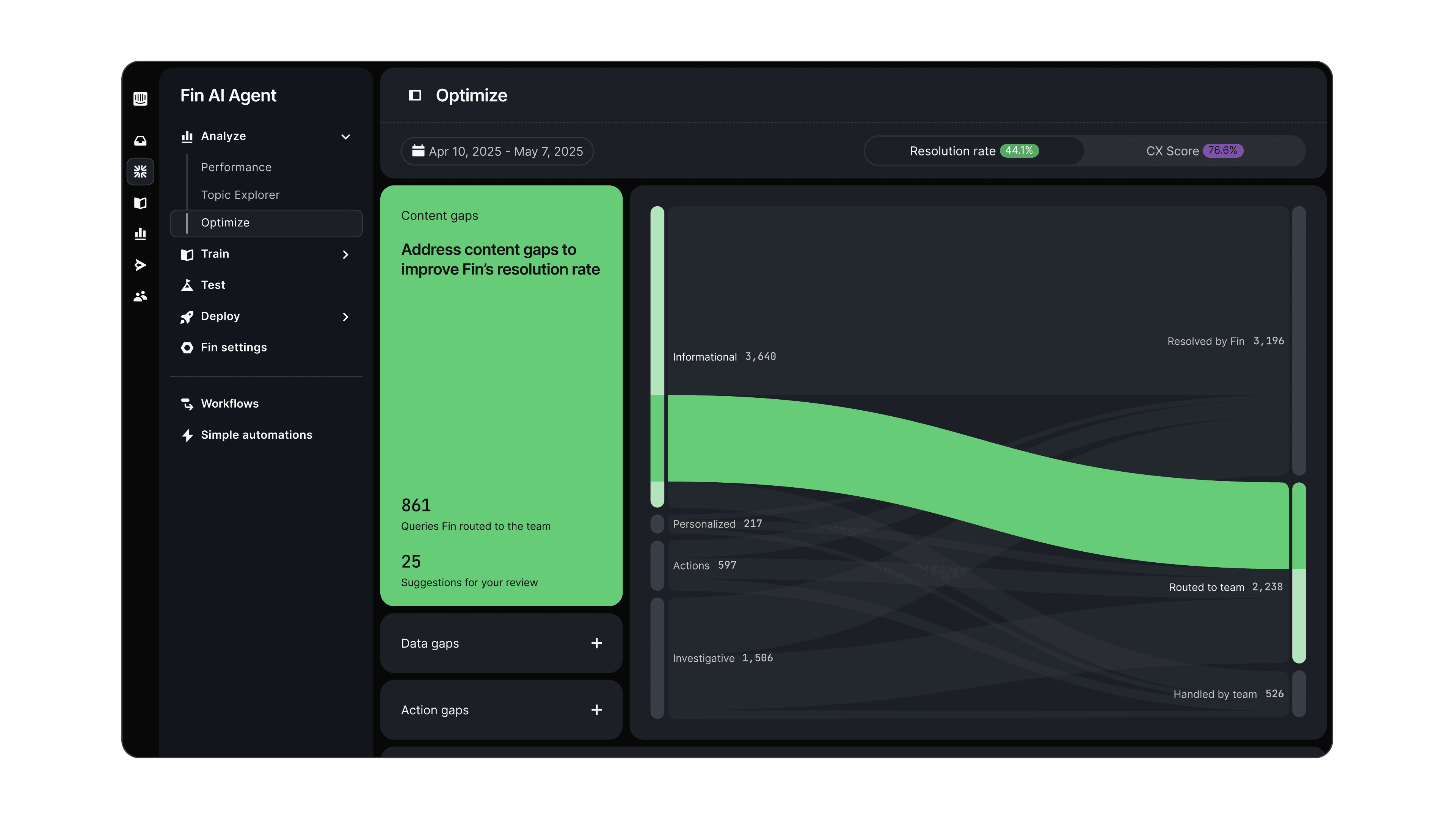
Optimize Dashboard | Updates | Fin AI
8. A/B Testing Automation
AI runs and analyzes A/B tests on elements like headlines or CTAs. Tools like Optimizely integrate with WordPress to deliver data-backed insights quickly.
This leads to higher conversion rates without guesswork. Strictly.ai offers AI A/B testing for marketing optimization.
What is A/B testing? With examples – Optimizely
9. Code Generation for Custom Development
AI assists developers by generating PHP, CSS, or JavaScript code. Cursor AI or AI Engine plugins speed up theme and plugin creation.
Benefits: Reduced development time and fewer bugs. WPMayor lists top AI tools for WordPress web development.
10. Multilingual Translation Support
AI translates content accurately for global audiences. Plugins like Weglot use AI for real-time translations, maintaining SEO.
Expands reach and improves accessibility.
11. Advanced Analytics and Insights
AI processes data to provide actionable insights on traffic and behavior. Google Analytics with AI extensions predicts trends.
Helps in strategic decision-making.
12. Spam Detection and Moderation
AI filters comments and forms for spam. Akismet uses ML to block unwanted content.
Keeps sites clean and trustworthy.
13. Automated Backups and Recovery
AI schedules and optimizes backups, detecting changes intelligently.
Ensures data safety with minimal effort.
14. Email Marketing Automation
AI personalizes newsletters and automates sends via plugins like AutomatorWP.
Increases open rates by 25%.
15. Social Media Integration
AI curates and schedules posts, analyzing engagement.
Boosts social traffic to WordPress sites.
16. Voice Search Optimization
AI refines content for conversational queries, improving rankings.
Essential as voice search grows.
17. Design Suggestions and Layouts
AI proposes themes and layouts via builders like Elementor AI.
Speeds up design for non-experts.
18. Automated Updates and Maintenance
AI handles plugin updates, checking compatibility.
Prevents downtime and security risks.
In conclusion, integrating AI into WordPress isn’t just a trend—it’s a game-changer for efficiency, growth, and innovation. Start with free plugins like AI Engine and scale up to premium tools for maximum impact. By leveraging these 18 methods, your WordPress site can stay ahead in a competitive online world.