
In the fast-evolving world of AI-assisted programming, Claude Sonnet 4.6 stands out as a game-changer for developers. Released on February 17, 2026, this hybrid reasoning model from Anthropic offers frontier performance in coding, agentic workflows, and professional tasks. With a 1M token context window (beta), it’s ideal for handling large codebases, multi-step orchestration, and complex problem-solving at a cost-effective price of $3 per million input tokens and $15 per million output tokens. Whether you’re a beginner or seasoned coder, this guide will show you how to code with Claude Sonnet 4.6 for smarter, faster results. Keywords: Claude Sonnet 4.6 tutorial, AI coding assistant, Anthropic Claude programming tips.
What is Claude Sonnet 4.6 and Why Use It for Coding?
Claude Sonnet 4.6 is Anthropic’s most capable mid-tier model, excelling in agentic coding, computer use (like GUI interactions), and adaptive thinking. It outperforms previous versions on benchmarks for reasoning, math, and office tasks, making it perfect for developers who need reliable, near-human-level assistance. Unlike general AI tools, it’s optimized for production-ready code, reducing hallucinations and improving steerability with prompts.
Key features:
- 1M Context Window: Analyze entire projects without fragmentation.
- Adaptive Thinking: Automatically decides when to “think harder” for complex tasks.
- Integrations: Available on claude.ai, Claude Code, GitHub Copilot, AWS Bedrock, Google Vertex AI, and Microsoft Foundry.
- Safety: Low sycophancy and strong refusal of harmful requests.
Compared to Opus 4.6, it’s nearly as intelligent but 2-3x cheaper, ideal for high-volume use.
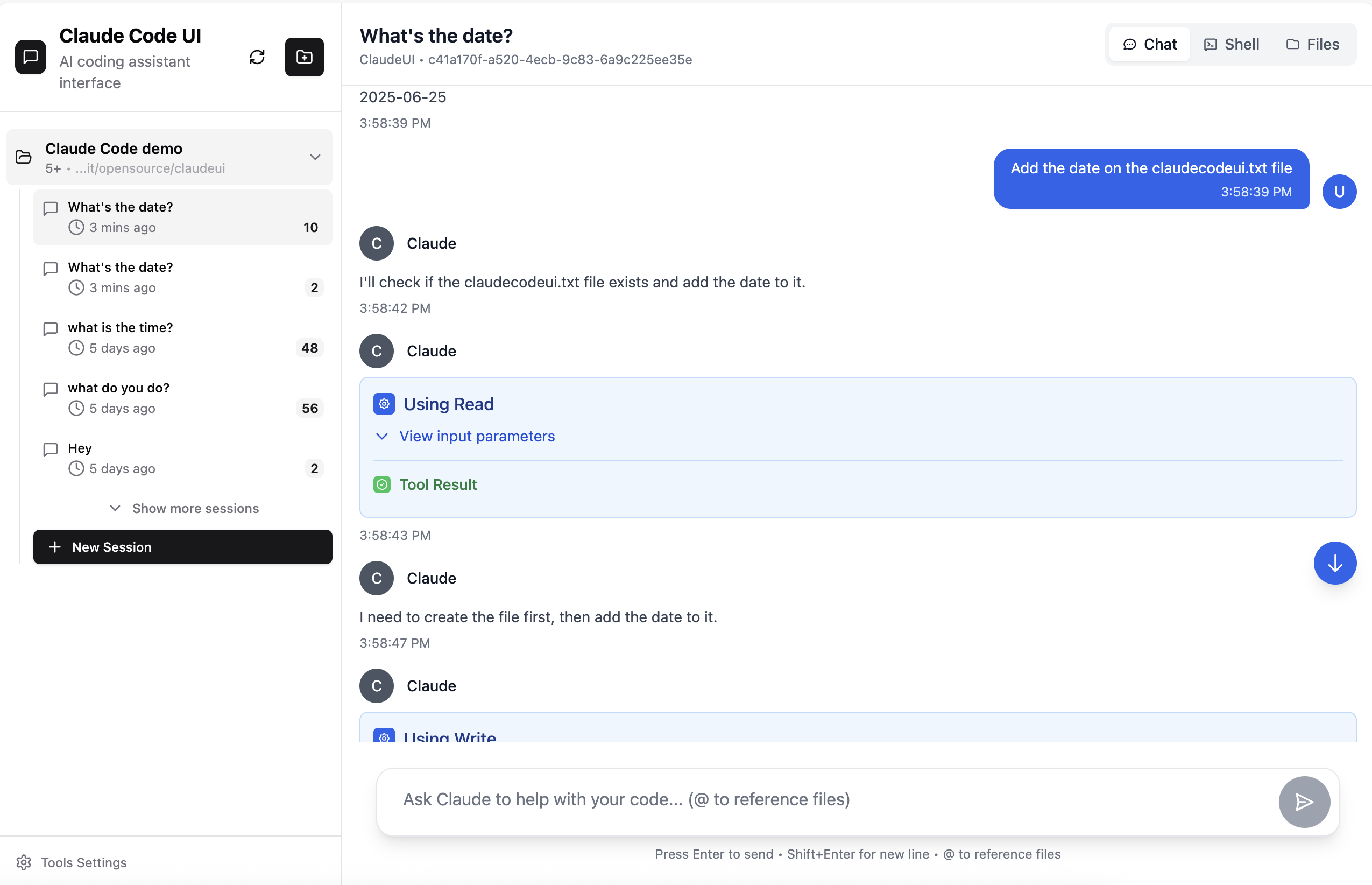
Claude Code UI – Advanced AI Coding Interface | Terminal & GUI Solutions
(Claude Code UI: A sleek interface for interactive coding sessions.)
How to Code with Claude Sonnet 4.6: Access and Setup
- Web Access: Sign up at claude.ai and select Sonnet 4.6 as your default model. It’s free for basic use, with Pro plans for unlimited access.
- API Integration: Use the Anthropic SDK. Install via pip: pip install anthropic. Then, generate an API key from the Anthropic dashboard.Example Python setup:Python
import anthropic client = anthropic.Anthropic(api_key="your_api_key") response = client.messages.create( model="claude-4.6-sonnet", max_tokens=1000, messages=[{"role": "user", "content": "Write a Python function to calculate Fibonacci."}] ) print(response.content[0].text) - Tools like GitHub Copilot: Enable Sonnet 4.6 in the model picker for inline code suggestions.
- Claude Code App: Download for desktop; it supports file system access and tool use for real-world coding.
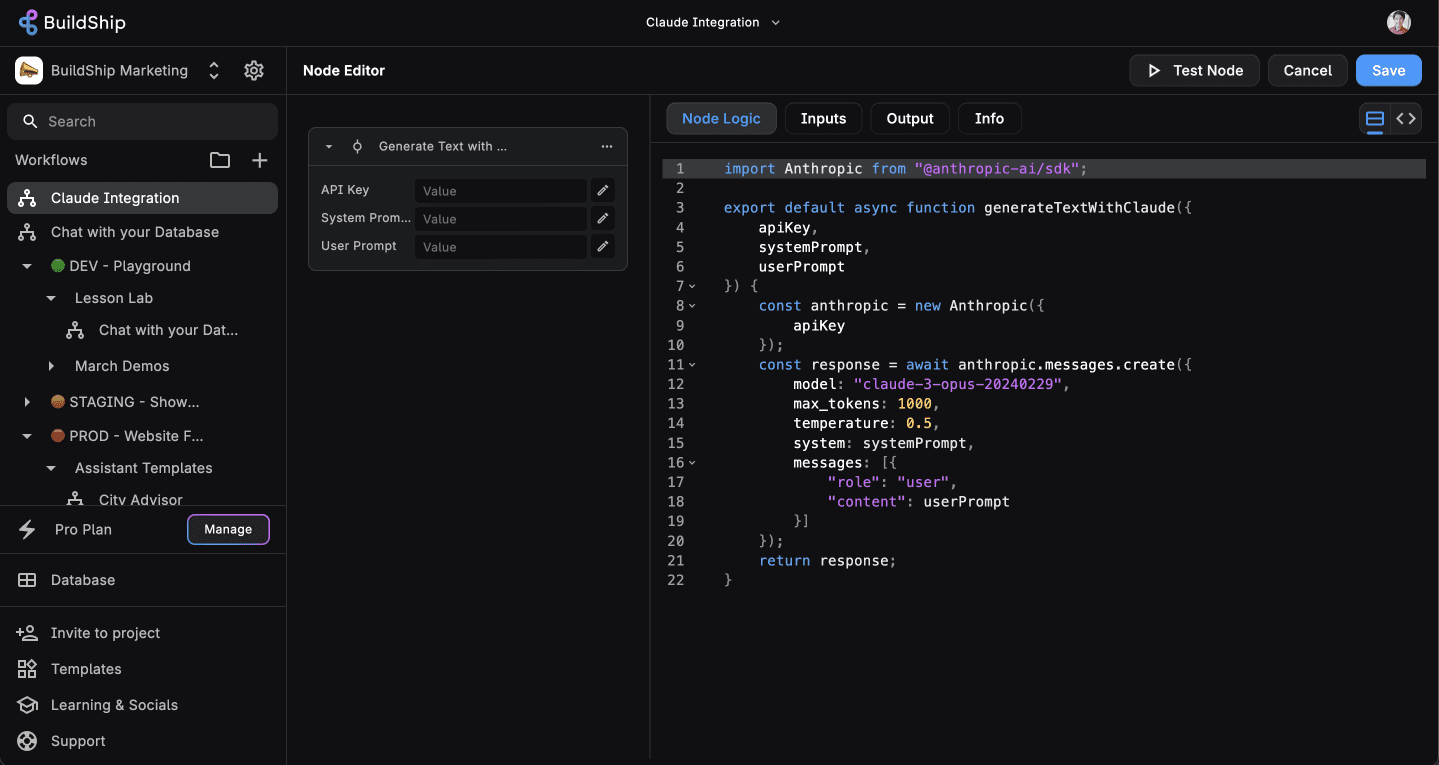
How To Use Claude 3 To Automate Your Low-Code AI Workflows
(Integrating Claude in workflows like BuildShip for automated code generation.)
Prompting Tips for Effective Coding
To maximize Claude Sonnet 4.6, craft clear, context-rich prompts. Include code snippets, desired outputs, and constraints.
- Be Specific: “Generate a React component for a todo list with Redux integration, handling add/delete actions.”
- Use System Prompts: For consistency, e.g., “You are a senior Python developer. Always use type hints and docstrings.”
- Chain Prompts: Follow up for refinements, like “Debug this error: IndexError in line 15.”
- Enable Adaptive Thinking: In API calls, set extra_headers={“anthropic-beta”: “adaptive-thinking-2026-02-01”} for tougher problems.
Examples of Coding with Claude Sonnet 4.6
Example 1: Generating Code
Prompt: “Write a Python script to fetch and plot stock data using yfinance and matplotlib.”
Claude’s Response (simulated):
Python
import yfinance as yf
import matplotlib.pyplot as plt

def plot_stock(ticker: str, period: str = '1y') -> None:
    """Fetch and plot stock data."""
    data = yf.download(ticker, period=period)
    data['Close'].plot(title=f'{ticker} Stock Price')
    plt.show()

plot_stock('AAPL')
This compresses multi-hour tasks into seconds.
.png "How to Code with Claude Sonnet 4.6: Boost Your Programming Efficiency 3")
How to generate code with Python?
(AI-generated Python code for API calls.)
Example 2: Debugging Code
Prompt: “Debug this JavaScript: const sum = (a, b) => a + b; console.log(sum(1, ‘2’)); // Outputs 12”
Claude: “This concatenates strings. Fix by parsing: const sum = (a, b) => Number(a) + Number(b);”
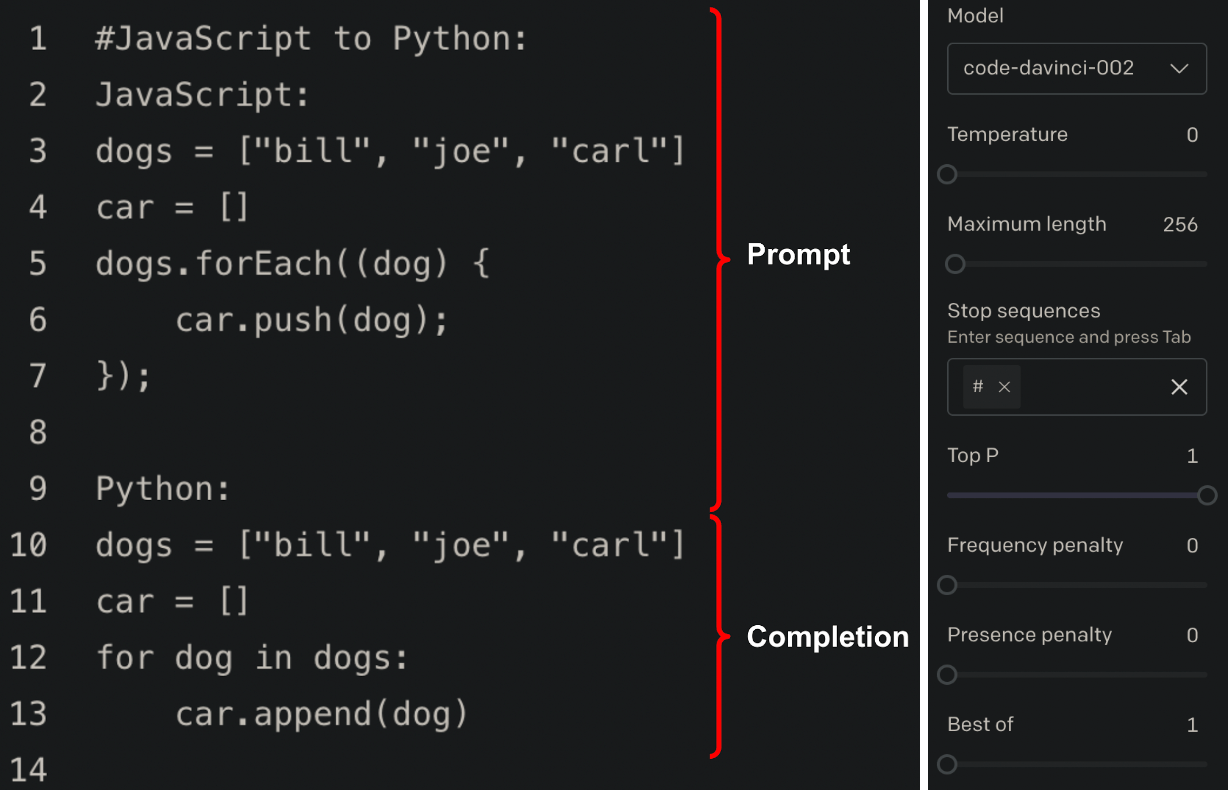
AI-Generated Infrastructure-as-Code: the Good, the Bad and the Ugly | Styra
(Converting JS to Python – similar cross-language debugging.)
Example 3: Refactoring
Prompt: “Refactor this inefficient loop to use list comprehension: numbers = []; for i in range(10): if i % 2 == 0: numbers.append(i)”
Claude: “numbers = [i for i in range(10) if i % 2 == 0]”
Versatile Usages in Programming
- Web Development: Build full-stack apps like Next.js scaffolds with polished designs.
- Data Science: Create financial models, spreadsheets, or data summarization pipelines.
- Agentic Workflows: Automate browser tasks, e.g., “Scrape data from a site and insert into Excel.”
- Game Development: Generate Pygame code for prototypes.
- Machine Learning: Draft PyTorch models or optimize networks.
- Debugging Large Codebases: Upload your repo and ask “Find bottlenecks in this ML pipeline.”
Users report it fits code seamlessly into existing projects, unlike isolated snippets from other AIs.
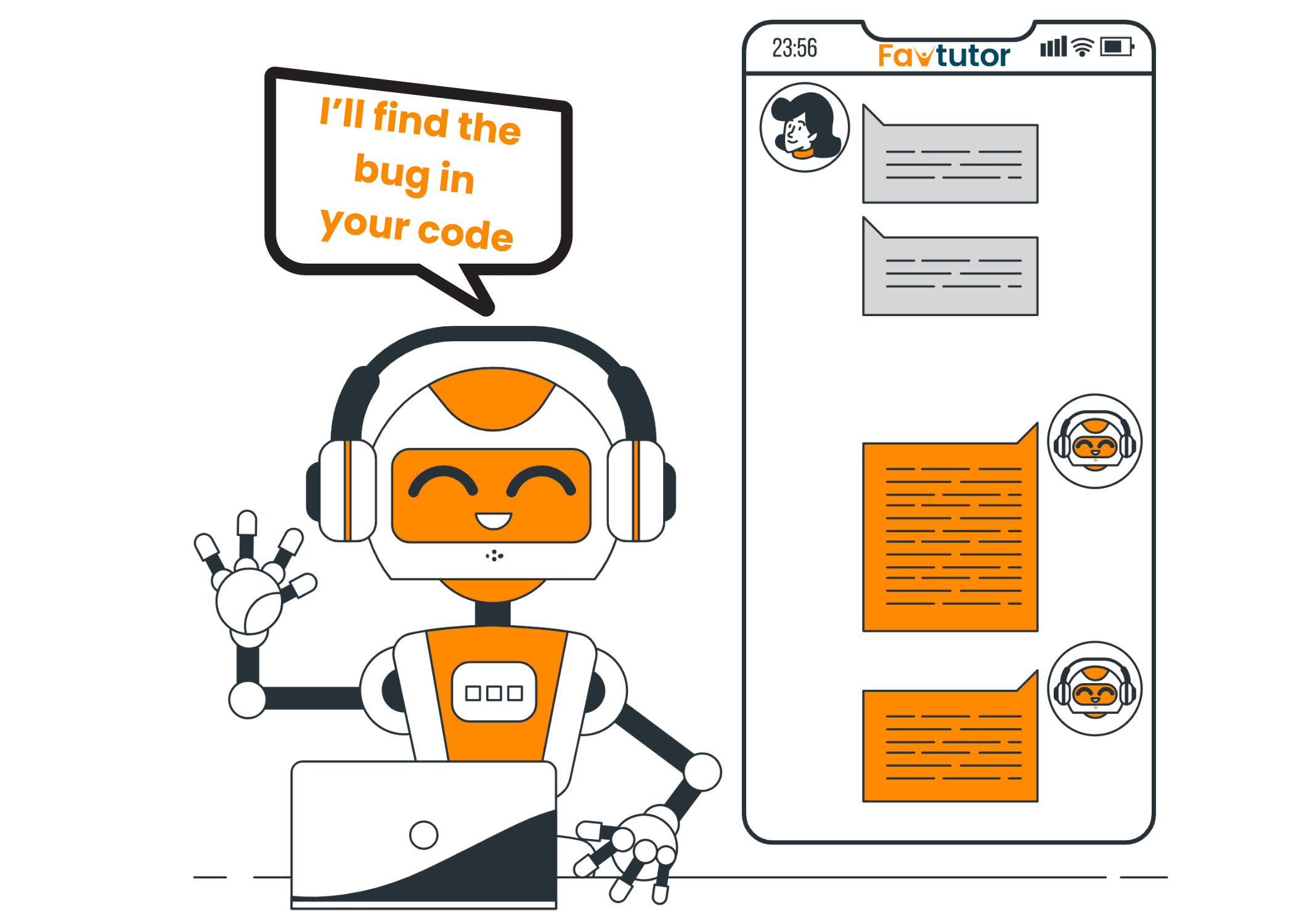
Free AI Code Debugger Online (Instant Code Fixer)
Conclusion: Elevate Your Coding Game
Claude Sonnet 4.6 transforms coding from tedious to efficient, handling everything from quick scripts to enterprise agents. With its affordability and power, it’s a must-try for programmers. Start experimenting today on claude.ai or via API. For more AI coding tutorials, subscribe and share!
Check out Discover, a free AI App Hub.