
In the ever-evolving landscape of artificial intelligence, chatbots have become indispensable tools for productivity, creativity, and everyday problem-solving. As of 2025, the market is flooded with options, but free AI chatbots stand out for their accessibility, allowing users from students to professionals to harness advanced AI without financial barriers. These bots leverage large language models (LLMs) to handle tasks ranging from coding assistance to content generation, often rivaling paid alternatives in capability.
This article explores the top 10 free AI chatbots based on a weighted score from key metrics like web visits, media citations, app reviews, usage duration, and market share, as analyzed in recent studies. We’ll delve into each bot’s features, strengths, weaknesses, and real-world applications, drawing comparisons to traditional tools or scenarios to illustrate their value. To enhance understanding, we’ve included screenshots of their interfaces and comparative diagrams.
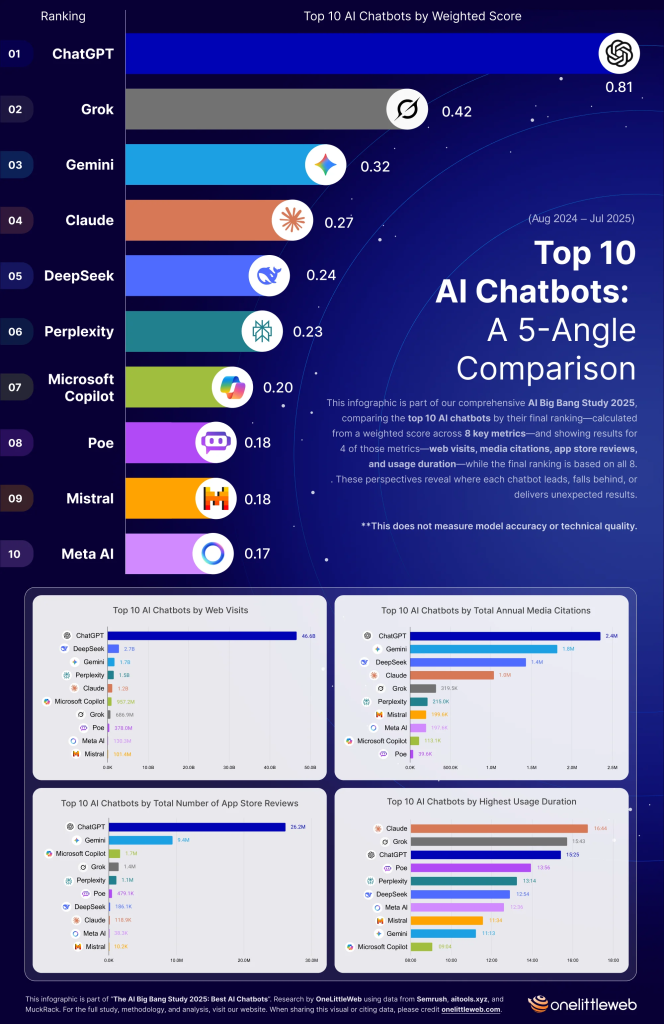
The diagram above provides a visual breakdown of how these chatbots stack up across multiple dimensions, highlighting ChatGPT’s dominance while showing emerging players like Grok gaining traction.
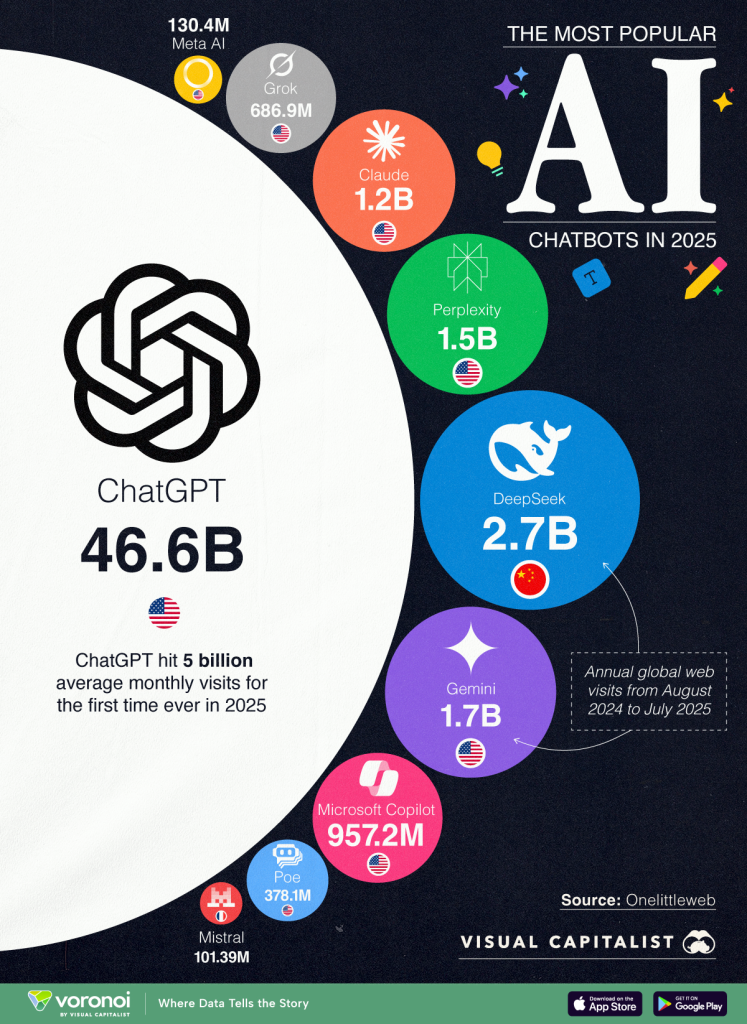
This chart underscores usage popularity, with billions of visits underscoring the real-world adoption of these tools.
1. ChatGPT (OpenAI)
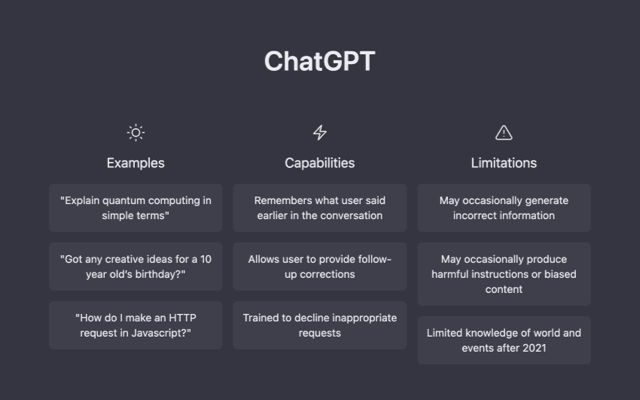
ChatGPT remains the gold standard in free AI chatbots, powered by models like GPT-5 and GPT-5 Thinking. It excels in versatile tasks, from creative writing to deep research, and offers a free tier with core features like web browsing, image generation, and file processing.
Key Features:
- Multimodal inputs (text, voice, images, video).
- Custom instructions and projects for organized workflows.
- Integration with browsers for real-time data.
- Advanced reasoning with models like o3-mini.
Pros:
- Highly accurate and relevant responses.
- Excellent for content creation and research.
- Resumes conversations seamlessly.
Cons:
- Occasional inaccuracies or lags during updates.
- Free tier has usage limits on advanced features.
Real-World Comparisons: Imagine ChatGPT as a supercharged search engine crossed with a personal tutor. Where a Google search might yield scattered results requiring manual synthesis, ChatGPT compiles, summarizes, and explains information—like turning a pile of research papers into a coherent report, saving hours compared to traditional library dives. In ecommerce, it’s like having a 24/7 customer service rep handling personalized recommendations, akin to Amazon’s algorithm but conversational.
For instance, users in healthcare use it for scheduling reminders, much like a digital receptionist, while in finance, it flags transactions faster than manual banking apps.
2. Grok (xAI)
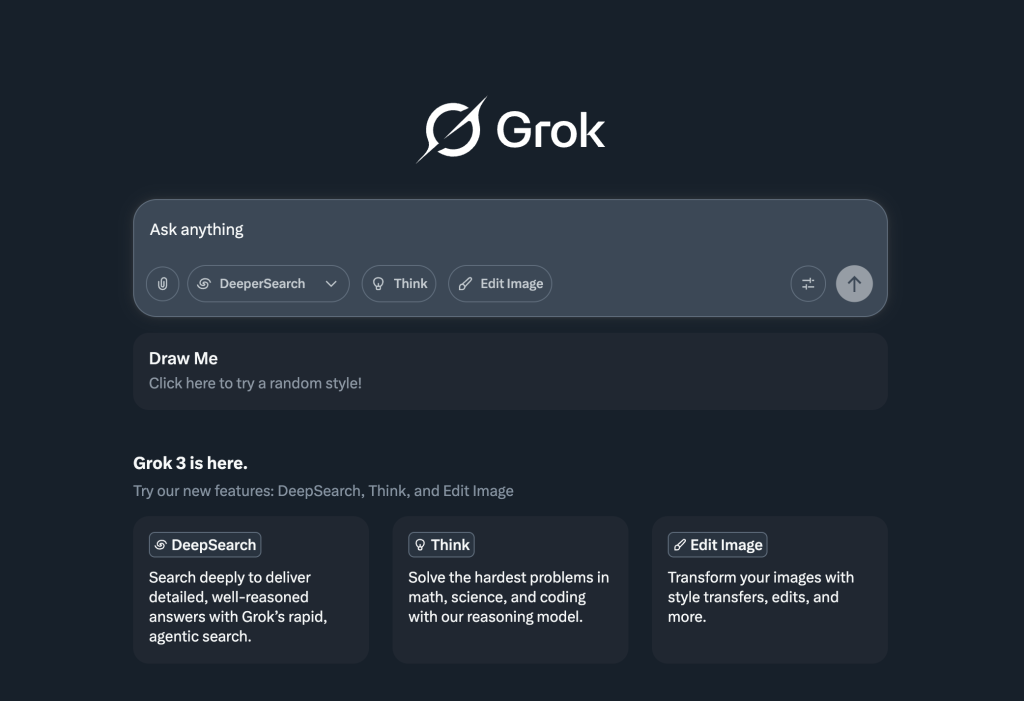
Grok, developed by xAI, emphasizes reasoning and real-time integration with platforms like X (formerly Twitter). Its free access via web and apps makes it a strong contender, with models like Grok 3 and 4 handling complex queries.
Key Features:
- Advanced reasoning for math, science, and coding.
- Image generation and editing.
- DeepSearch for in-depth topic exploration.
- Brainstorm mode for creative sessions.
Pros:
- Informal, engaging style with high intelligence.
- Completely free with no paywalls for core tools.
- Integrates real-time trends from X.
Cons:
- Potential biases on sensitive topics.
- Limited sourcing in research compared to peers.
Real-World Comparisons: Grok is like a witty conversation partner at a tech conference—quick with
insights and humor—versus the more formal tone of a textbook. In coding, it’s comparable to Stack Overflow but proactive, suggesting fixes before you ask, reducing debugging time from hours to minutes. For social media managers, it’s akin to a trend-spotting tool, pulling live data from X like a personalized news aggregator.
Professionals use it for brainstorming, similar to group ideation sessions but solo and instantaneous.
3. Google Gemini
Gemini integrates deeply with Google’s ecosystem, offering free access to models like 2.0 Flash and 2.5 Pro for reasoning, file handling, and web search.
Key Features:
- Workspace integrations (Gmail, Docs, etc.).
- Long context windows for extended conversations.
- Image and video generation.
- Real-time data like flight prices.
Pros:
- Excellent value with robust Google app ties.
- Strong in complex reasoning and productivity.
- Custom “Gems” for specialized tasks.
Cons:
- Inconsistent response quality.
- Weaker image generation than rivals.
Real-World Comparisons: Think of Gemini as your Google Assistant on steroids—seamlessly pulling from emails or Docs like a smart filing cabinet. Compared to manual trip planning with multiple tabs open, Gemini creates itineraries with packing lists in one chat, mimicking a travel agent’s efficiency but free and instant. In education, it’s like a study buddy that summarizes YouTube lectures, outperforming note-taking apps.
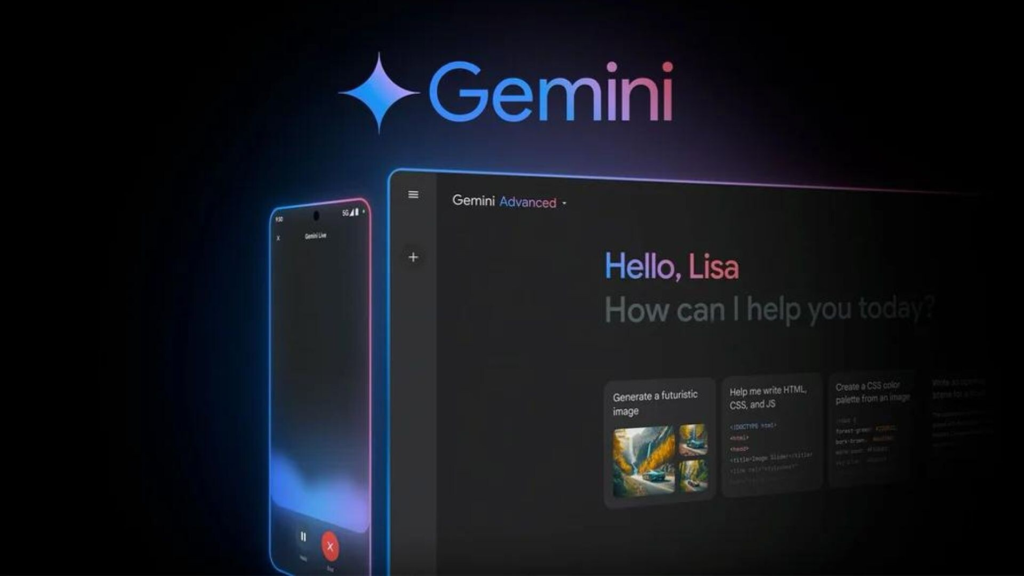
Business users leverage it for report generation, akin to Excel automation but conversational.
4. Claude (Anthropic)
Claude focuses on privacy and natural responses, with a free plan supporting large context windows and file analysis.
Key Features:
- Up to 200,000-word context for deep analysis.
- Artifacts for creating dashboards or games.
- Multilingual processing and image analysis.
- Constitutional AI for ethical responses.
Pros:
- Empathetic, human-like tone.
- Strong in content creation and reasoning.
- Privacy-focused (no data training).
Cons:
- Limited media generation.
- Regional availability issues.
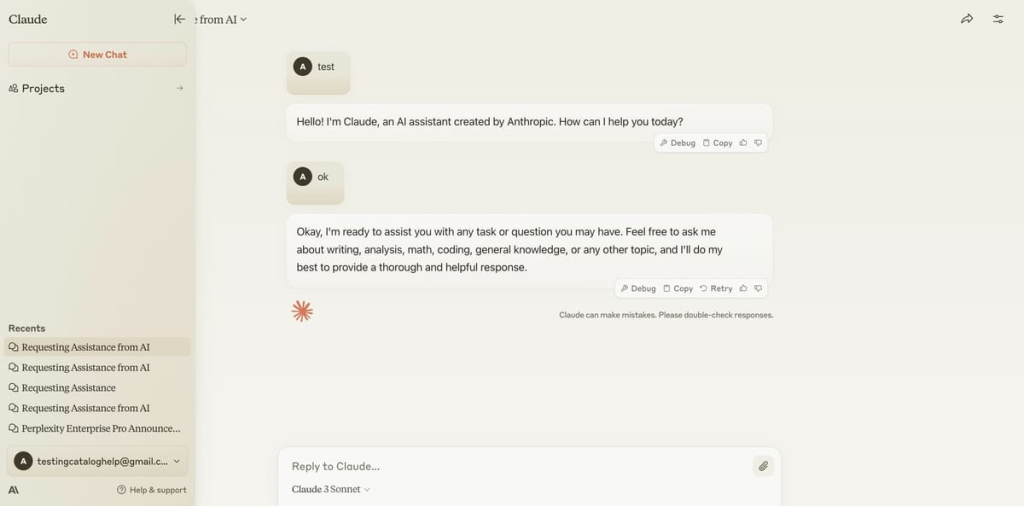
Real-World Comparisons: Claude is like a thoughtful editor reviewing your manuscript—providing nuanced feedback without the cost of a professional service. In contrast to hasty web searches, it analyzes long PDFs step-by-step, similar to a legal consultant breaking down contracts. For writers, it’s comparable to Grammarly but with creative suggestions, enhancing blogs or scripts efficiently.
In marketing, it crafts strategic documents, outpacing manual brainstorming.
5. DeepSeek
An open-source contender from China, DeepSeek offers free access to models like V3 and R1, excelling in reasoning and coding.
Key Features:
- 64K context window.
- Modes for fast (K1) or analytical (K2) tasks.
- Multilingual support and Chain of Thought reasoning.
- Integrates with dev tools.
Pros:
- Transparent, customizable for developers.
- No extra fees for extended use.
- Strong in math and logic.
Cons:
- Privacy concerns due to origin.
- Basic interface with ads.
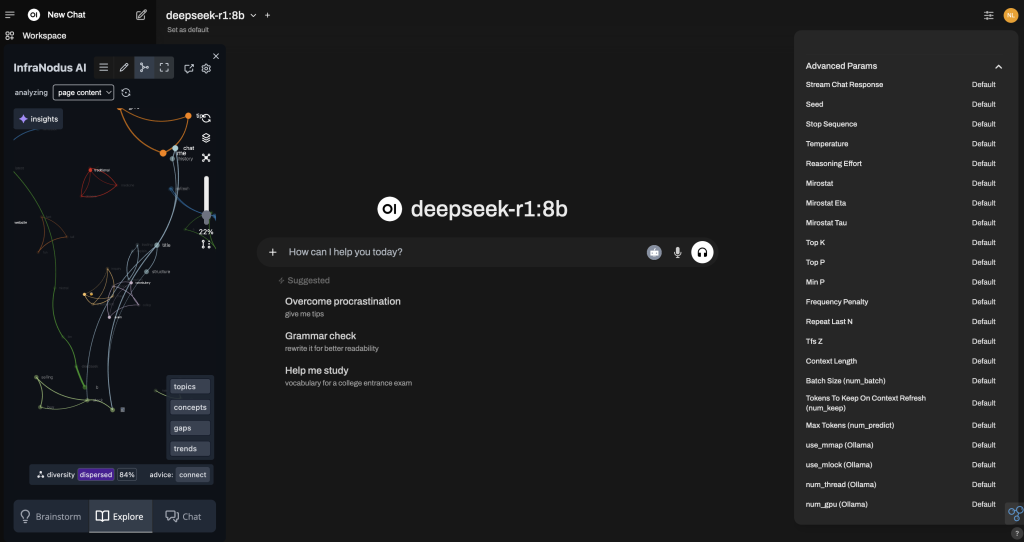
Screenshot of DeepSeek Interface
Real-World Comparisons: DeepSeek acts as an open-source calculator on steroids—solving complex equations like a math professor, but unlike proprietary tools, it’s modifiable like editing Wikipedia. For developers, it’s akin to GitHub Copilot but free and local-runnable, cutting dependency on cloud services.
Academics use it for scientific tasks, mirroring specialized software but accessible.
6. Perplexity
Perplexity specializes in research, blending AI with web search for sourced answers in its free tier.
Key Features:
- Model switching (GPT-4, Claude, etc.).
- Pro Search for guided exploration.
- File uploads and multimodal AI.
- Shopping assistant.
Pros:
- Fast, cited responses.
- Great for deep, organized research.
- Collaborative sharing.
Cons:
- Limited customization.
- Occasional hallucinations.
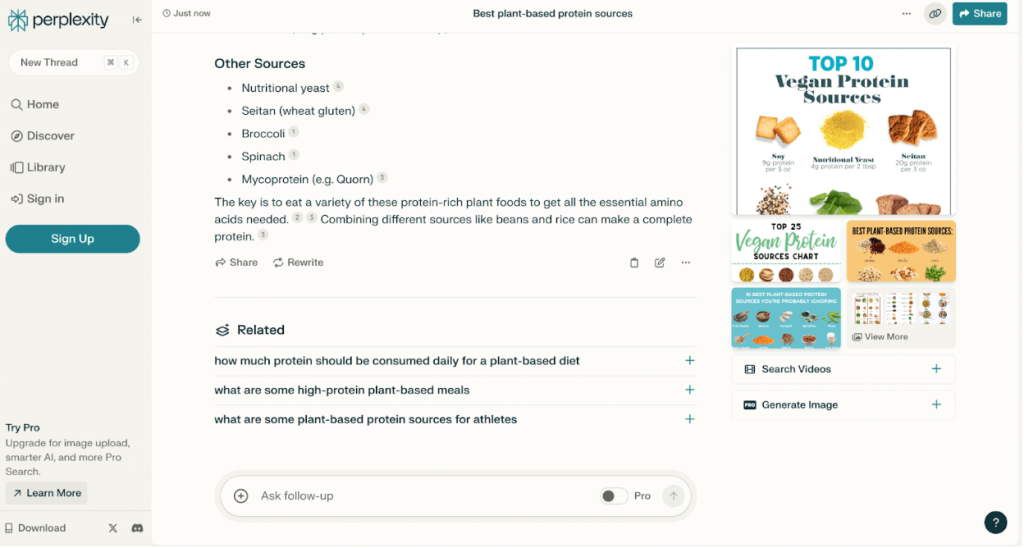
Real-World Comparisons: Perplexity is like a librarian with instant recall—compiling sources faster than manual research, transforming Wikipedia dives into structured reports. Compared to Google Scholar, it adds follow-ups, ideal for analysts tracking trends like a stock ticker but for knowledge.
In finance, it breaks down market data, enhancing decision-making.
7. Microsoft Copilot
Copilot leverages GPT-4 with Bing integration, free for core functions across devices.
Key Features:
- Voice interaction and Think Deeper mode.
- Microsoft 365 integrations.
- Code, image, and text generation.
- Enterprise security.
Pros:
- Versatile across platforms.
- Up-to-date web summaries.
- Free functionality in apps.
Cons:
- Slow responses at times.
- Ecosystem-locked.
Real-World Comparisons: Copilot is your office sidekick—suggesting Excel formulas like an IT helpdesk, but unlike static tutorials, it’s interactive. For Windows users, it’s comparable to Siri but with deeper integrations, automating tasks like meeting summaries faster than manual transcription.
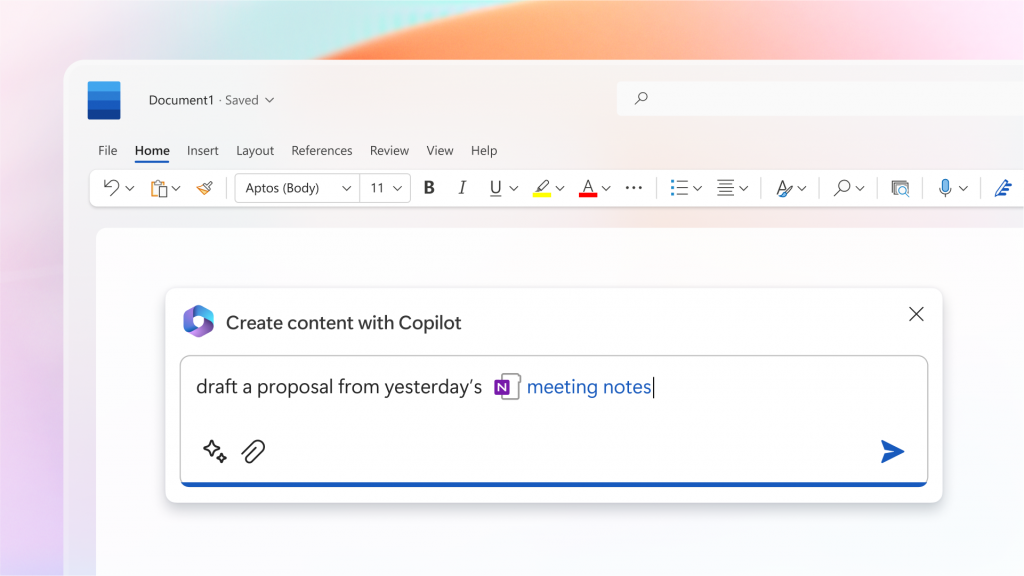
HR teams use it for onboarding, streamlining processes.
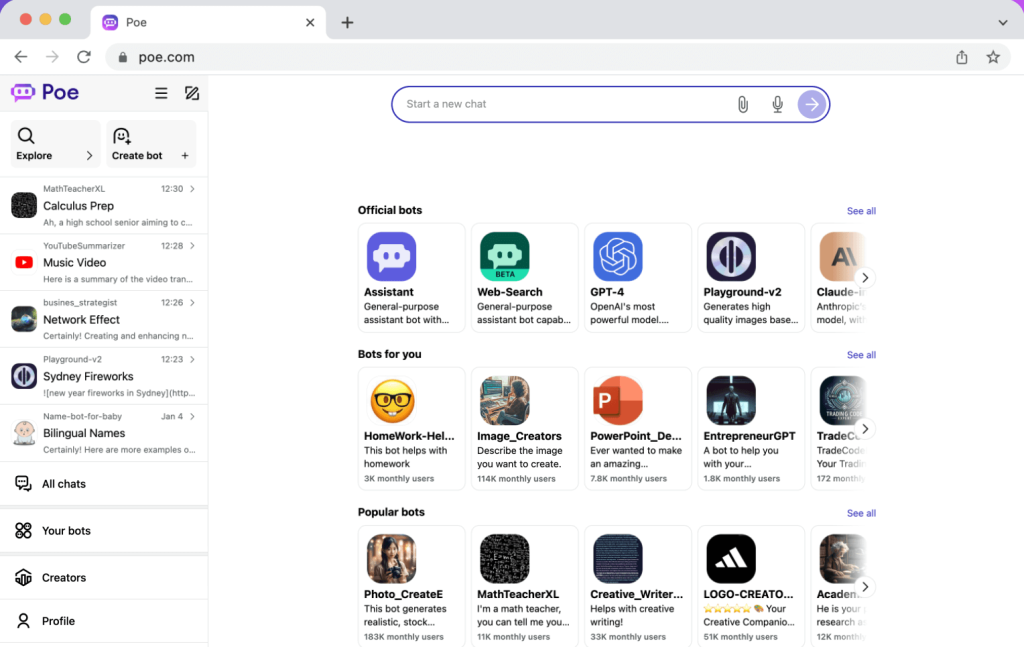
8. Poe (Quora)
Poe aggregates multiple models in a free platform, allowing bot creation and model switching.
Key Features:
- Access to OpenAI, Claude, Gemini, etc.
- Custom bots with monetization.
- Compute points for high-quality models.
- Threaded text-to-image workflows.
Pros:
- Model variety in one place.
- Easy bot building.
- Free with limits.
Cons:
- Message caps on premium models.
- Crowded interface.
Real-World Comparisons: Poe is like a chatbot marketplace—switching models mid-conversation like browsing apps in a store. Unlike single-model bots, it’s versatile for testing, akin to A/B testing tools but for AI outputs.
Creators use it for hybrid tasks, like generating text then images.
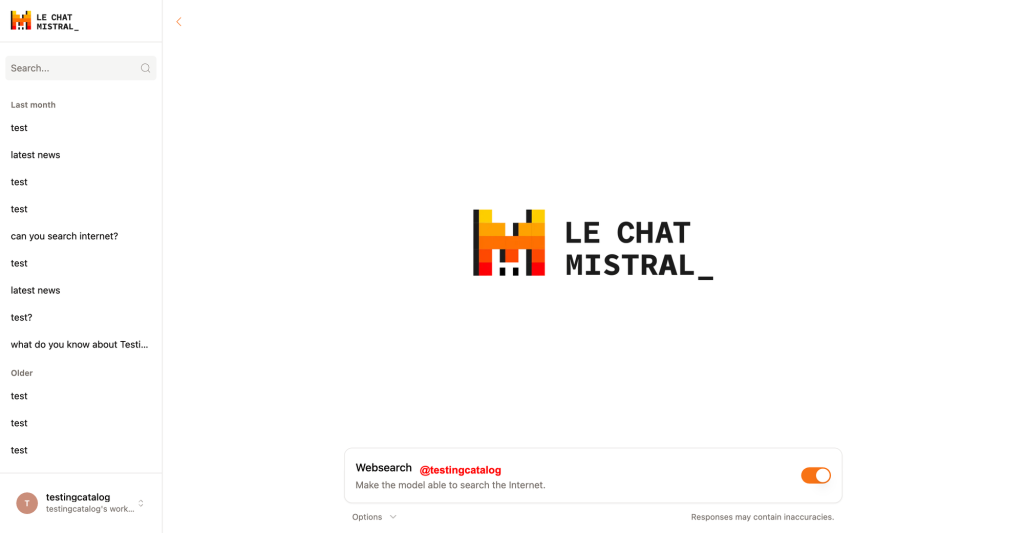
9. Mistral (Le Chat Mistral)
Mistral provides concise responses via open models, free for basic use.
Key Features:
- Canvas and Code Interpreter.
- High-quality image generation.
- Access to Le Platforme for agents.
- Concise, to-the-point outputs.
Pros:
- Simple, efficient interface.
- Strong for devs with open models.
- Free image understanding.
Cons:
- Struggles with complexity.
- Basic without extensions.
Real-World Comparisons: Mistral is a no-frills notepad—delivering quick answers like a voice memo, contrasting verbose bots. For coders, it’s like a lightweight IDE, faster than full suites for simple apps.
Businesses customize agents for workflows.
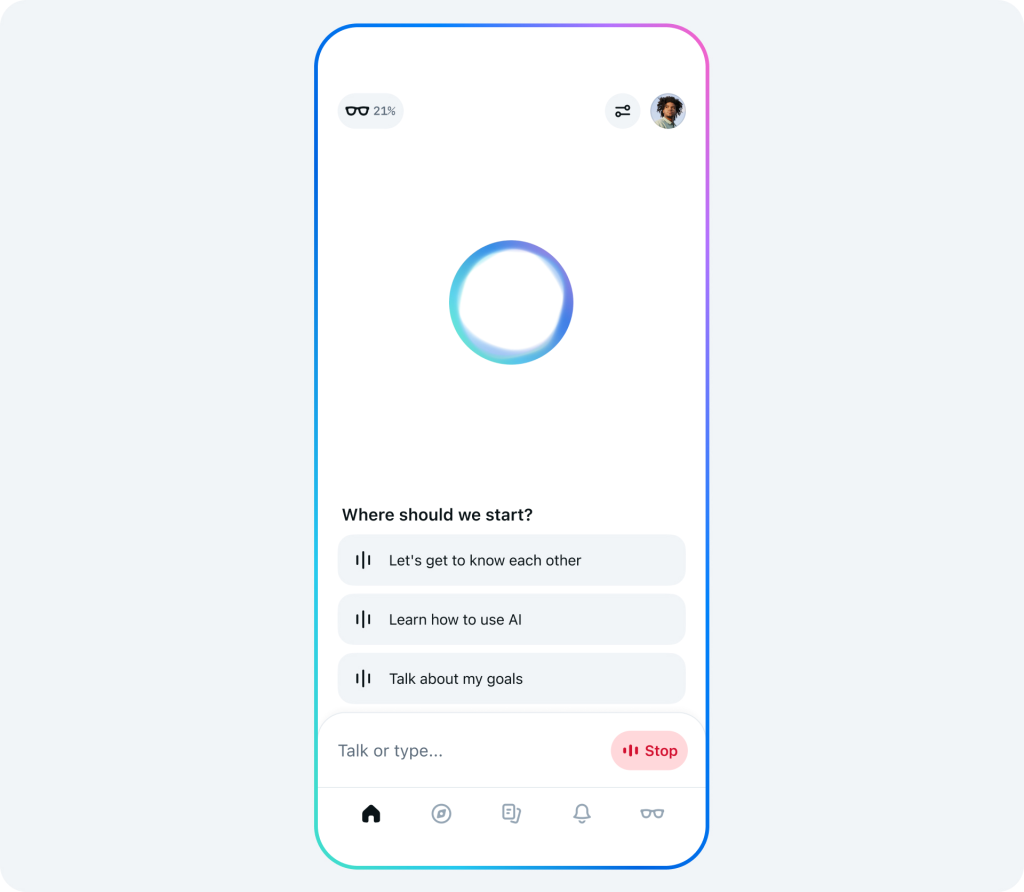
10. Meta AI
Meta AI, based on Llama, is free across social platforms with image tools.
Key Features:
- Image generation and animation.
- Web search integration.
- Accessible via WhatsApp, Instagram.
- Open licensing for devs.
Pros:
- Fun media creation.
- Seamless social integration.
- Free for high-revenue thresholds.
Cons:
- Weaker search accuracy.
- Limited extensibility.
Real-World Comparisons: Meta AI is your creative companion on social media—animating images like a quick Photoshop, unlike static editing apps. For casual users, it’s akin to group chats but with AI input, enhancing content sharing.
Influencers use it for visuals, boosting engagement.
Comparison Table
| Bot | Best For | Key Strength | Key Weakness | Free Limits |
|---|---|---|---|---|
| ChatGPT | Versatile tasks | Accuracy & multimodality | Occasional lags | Usage caps |
| Grok | Reasoning & trends | Intelligence & humor | Bias on topics | None |
| Gemini | Productivity | Google integrations | Inconsistent quality | None |
| Claude | Content creation | Privacy & empathy | No media gen | Message limits |
| DeepSeek | Math & coding | Open-source transparency | Privacy concerns | None |
| Perplexity | Research | Sourced answers | Hallucinations | None |
| Copilot | Windows ecosystem | Voice & integrations | Slow responses | None |
| Poe | Model aggregation | Variety & creation | Compute limits | Points system |
| Mistral | Concise responses | Image gen & simplicity | Complex tasks | None |
| Meta AI | Social media creativity | Image animation | Search accuracy | None |
Conclusion
These top 10 free AI chatbots in 2025 offer powerful alternatives to paid services, democratizing AI for all. Whether you’re coding with DeepSeek or brainstorming with Grok, they transform mundane tasks into efficient processes. As AI advances, expect even more integrations—choose based on your needs, and experiment freely.
For more details, check sources like Zapier’s guide, PCMag’s reviews, and TechnologyAdvice.